
If you’re spending hours every week trying to create Instagram Reels, writing scripts, editing footage, adding captions, picking music, I want you to know something important right now:
You’re working too hard.
Not because you’re doing it wrong. But because in 2026, there are AI tools that can handle the heavy lifting FOR you — so you can focus on what actually matters: your ideas, your message, and your audience.
In this article, you will know about the 5 best AI tools for Instagram Reels that real creators are using right now to produce professional, scroll-stopping content in a fraction of the time.
And I’m not just listing names here. I’ll tell you exactly what each tool does, who it’s best for, and how to use it practically. No fluff. Just real, useful information.
Let’s get into it.
Here are your 5 Best AI Tools for Instagram Reels in 2026:
- Synthesia.io — AI avatar-powered video creation. No camera needed. 240+ avatars, 160+ languages, your Personal Avatar on demand.
- OpusClip — Turns your long videos into 15+ Reels automatically. Perfect for repurposing content.
- Predis.ai — Your AI strategist. Analyses competitors and generates data-driven content ideas.
- Descript — Edit video like a document. Saves hours of editing time for talking-head content.
- Canva AI — Brand-consistent Reels in minutes. The gold standard for visual professionalism.
You don’t need all five at once. Start with the one that solves your biggest problem right now. Master it. Then add the next one.
Oh, wait, this is important for you!
>>> 9 Best AI Voice Generator Tools in 2026: Complete Guide to Natural-Sounding AI Voices
Before we jump into the tools, let me be real with you for a second.
Instagram’s algorithm in 2026 is heavily favouring Reels. Video content gets more reach, more engagement, and more new followers than almost any other format on the platform.
But here’s the problem: creating quality Reels consistently is genuinely hard. You need a good idea, a solid script, clean editing, captions, music, and the right format. Do that every day? That’s practically a full-time job.
That’s where AI comes in. The creators winning on Instagram right now aren’t necessarily more talented; they’re smarter about their workflow. They’re using AI to create faster, stay consistent, and still produce content that feels human and authentic.
So let me tell you exactly which tools are making that possible.
TOOL #1 — Synthesia.io
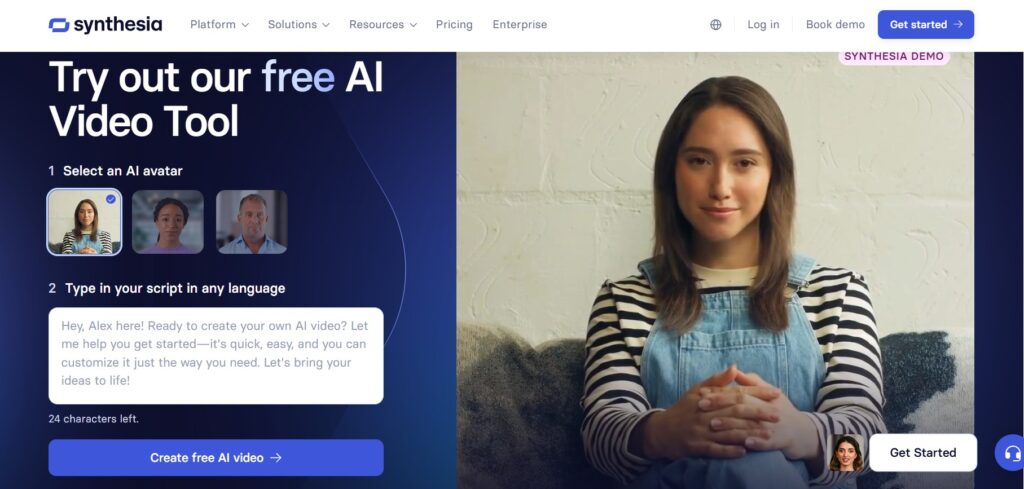
Number one on our list: Synthesia.io.
Let me ask you something. What if you could create a professional, presenter-led Instagram Reel, without a camera, without a studio, without even appearing on screen yourself, in under 10 minutes?
That’s exactly what Synthesia makes possible.
Synthesia is an AI video creation platform that generates high-quality videos using realistic AI avatars. You write your script, choose an avatar, pick a voice, and Synthesia produces a finished video of a digital human delivering your content, naturally, clearly, and professionally.
And in 2026, these avatars are genuinely lifelike. We’re not talking about robotic, stiff figures anymore. Synthesia’s avatars now feature nuanced facial expressions and natural intonations, making them highly effective for building real trust with your audience.
Here’s what makes Synthesia a serious tool for Instagram Reels creators:
- 240+ Diverse AI Avatars: You have over 240 realistic avatars to choose from, covering different ages, ethnicities, styles, and presentation tones. Pick the one that fits your brand voice, and that becomes your consistent on-screen personality across every Reel you publish.
- Personal Avatar: This is where it gets powerful. Synthesia lets you create a Personal Avatar, a digital version of yourself. You record a short consent clip once, and from that point on, you never need to sit in front of a camera again. Your AI self does the presenting for you – at any time, for any Reel, without bad lighting or an off day.
- Text-to-Video in Minutes: You simply paste your script, choose your avatar, and generate a presenter-led video in minutes. No timeline. No editing. No technical skills needed.
- 160+ Languages and Accents: Synthesia supports over 60 languages for global reach — and in 2026, that number has expanded even further. If you want to reach audiences in Hindi, Spanish, Arabic, French, or any other language, you write one script, and Synthesia delivers it in any voice, any accent. One Reel becomes global content.
- AI Script Generator: Not sure what to say? Synthesia’s built-in AI script generator can produce multiple types of video scripts based on your preference — whether you need an educational explainer, a product showcase, or a brand story.
Who is this for?
Synthesia is best for coaches, course creators, and corporate communicators who want to establish a professional presence on Instagram. It’s also a game-changer for faceless channel creators, educators, multilingual brands, and business owners who want to post consistently without ever turning on a camera.
If you’ve been held back from showing up on Instagram because you don’t like being on camera, Synthesia removes that barrier entirely. Your avatar shows up. Your message gets delivered. Your brand grows.
Practical tip: Create your Personal Avatar in Synthesia once — it takes about 15 minutes. Then batch-produce 4 to 5 Reels in a single session by writing multiple short scripts and generating them back-to-back. You’ll have a week’s worth of polished, presenter-led content ready to post in under an hour.
TOOL #2 — OpusClip
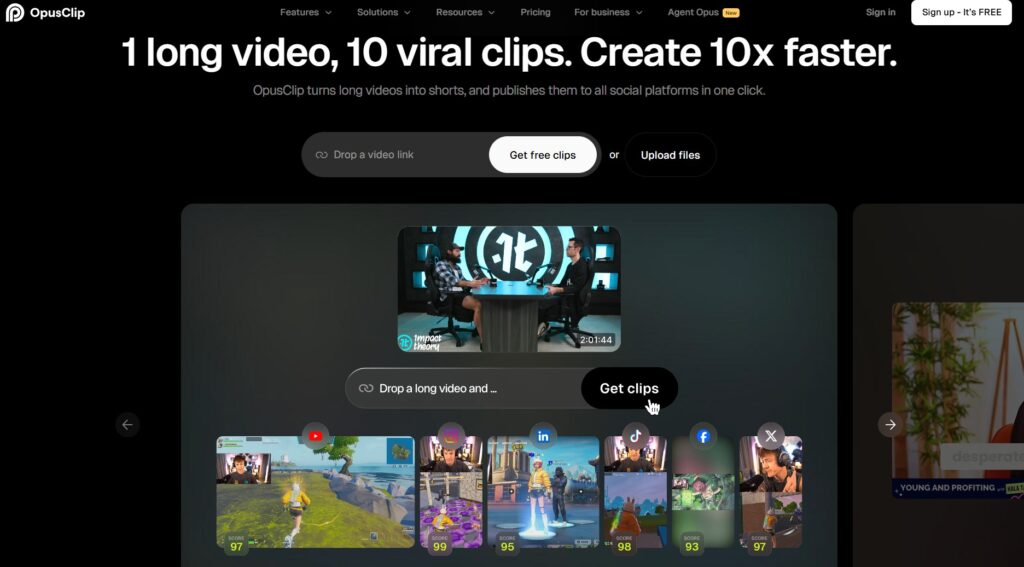
Tool number two: OpusClip.
Now this one is special — and it solves a problem that a lot of content creators have but don’t always talk about.
You know that long podcast you recorded? That one-hour webinar? That YouTube video you spent weeks preparing?
Most of that content is just sitting there, not being seen by the people who need it.
OpusClip turns your long-form content into short, ready-to-post Reels.
Here’s how it works — you paste the link to your long video. OpusClip’s AI watches it, identifies the moments with the highest emotional pull or informational value, and cuts them into vertical 9:16 clips. It then adds dynamic captions that follow the speaker and gives each clip a Virality Score — a prediction of how likely that clip is to perform well.
One 30-minute recording can become 15 to 20 Reels. That’s months of content from a single source.
Who is this for?
Coaches, educators, podcasters, speakers, consultants — anyone who creates long-form content and wants to get more reach without creating more content from scratch.
Practical tip: If you’re a business owner or coach, record one 20-minute “value-packed” video per month where you share your expertise. Run it through OpusClip. You’ll have Reels to post every few days without having to think about content again that month.
TOOL #3 — Predis.ai
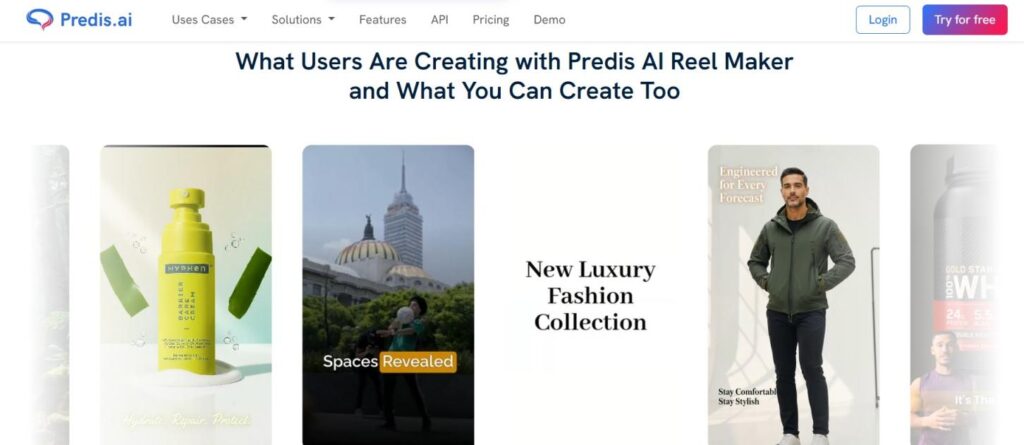
Tool number three: Predis.ai.
Here’s where things get strategic.
Most AI tools help you create content. Predis.ai helps you create the right content — content that’s informed by what’s actually working in your niche right now.
Competitor Analysis is one of Predis’s standout features. You can input a competitor’s Instagram handle, and the tool will analyse what content they’re posting, which Reels are performing best, and what topics seem to be resonating with their audience. You’re not copying them — you’re learning from the data to build your own strategy.
From there, Predis generates Reel scripts, graphics, captions, and even full video concepts — all customized to your brand.
Who is this for?
Marketers, brand managers, small business owners, and anyone who wants their Instagram to be a real business tool — not just a hobby.
Practical tip: Use Predis once a week as your “content planning session.” Look at what competitors are doing, identify gaps or underserved topics, and let the AI generate 3–5 content ideas you can build on. Your content strategy goes from guesswork to data-driven.
TOOL #4 — Descript
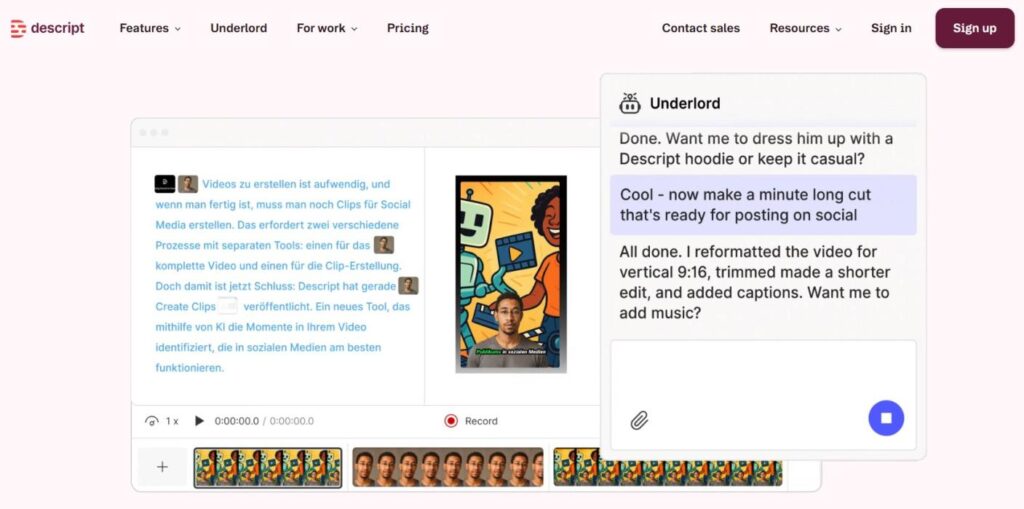
Tool number four: Descript.
This one might be my personal favourite — because it completely changes HOW you edit video.
Here’s the idea: what if editing a video were as simple as editing a Word document?
That’s what Descript does. You upload your video, and it transcribes everything into a text document. When you delete a word or sentence from that transcript, the video clip is removed automatically. When you rearrange sentences, the video rearranges. It’s that simple.
This is a game-changer for talking-head Reels, educational content, or any video where you’re speaking to the camera.
But it goes beyond that:
- Studio Sound cleans up your audio and removes background noise in one click — even if you recorded on a phone.
- Eye Contact Correction uses AI to make it look like you’re looking directly at the lens, even if you were reading from a script off to the side.
- Filler Word Removal automatically cuts out every “um,” “uh,” and “you know” from your recording.
Editing time drops by up to 70%. For creators who record a lot of face-to-camera content, this is not just useful — it’s transformative.
Who is this for?
Educators, coaches, vloggers, and talking-head content creators. Anyone who films themselves speaking.
Practical tip: Record your Reel in one long take without worrying about mistakes. Upload it to Descript, clean up the transcript, remove filler words, and you’ll have a polished final cut in under 10 minutes.
TOOL #5 — Canva AI
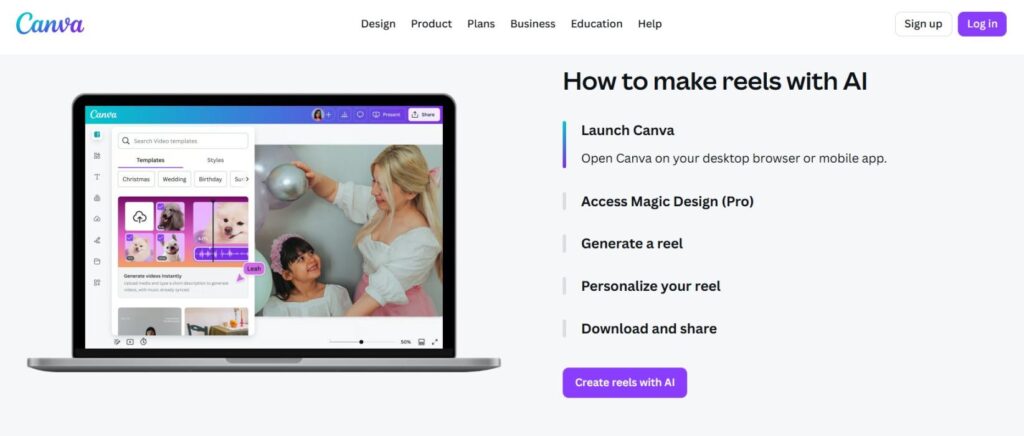
Tool number five: Canva AI.
Now, you might already use Canva for your graphics or thumbnails. But Canva in 2026 has evolved significantly — especially for video and Reels creation.
Canva’s AI Reel maker lets you generate a complete, brand-consistent Reel from a text prompt in just minutes. You describe what you want, choose your style, and Canva assembles the visuals, transitions, and text overlays for you.
What makes Canva special compared to other tools is brand consistency. You can upload your brand colours, fonts, and logo — and every Reel Canva creates will automatically match your visual identity. Your content looks professional and cohesive across your whole feed.
Beyond that, Canva gives you:
- Hundreds of Reel templates optimized for engagement
- An AI script generator to plan what you’ll say
- Auto-trim and resize tools to make your content fit perfectly
- Access to a massive royalty-free media library
And a free tier that’s genuinely usable.
Who is this for?
Small businesses, personal brands, marketers — anyone who wants their Reels to look consistently polished without hiring a designer.
Practical tip: Set up a Brand Kit in Canva with your exact colours and fonts. Every time you create a Reel, start from that kit. Over time, your audience will immediately recognise your content when it shows up in their feed — and that recognition builds real trust.
Before You Go!
Here’s the truth about AI tools: they don’t replace your creativity. They remove the obstacles that stand between your ideas and your audience.
The creator who uses these tools wisely isn’t taking a shortcut — they’re showing up more consistently, more professionally, and with more energy for the parts of content creation that actually need a human touch.
So pick one tool from this list, try it this week, and see what changes.
If you found this article useful, don’t forget to comment on which one you will pick — it genuinely helps this platform reach more creators who need this information.
I’ll see you in the next one.
Ta! Da!