
AI image generation has exploded in the last few years, and 2026 is the moment when creators finally have serious, professional-looking tools for free.
Whether you’re a YouTuber, blogger, Instagram creator, marketer, or digital artist, free AI tools can now help you:
- Design thumbnails
- Create logos & branding
- Generate blog images
- Make social posts
- Build ad creatives
- Produce concept art
In this in-depth blogger-style guide, you’ll discover:
👉 The 11 best free AI image generators in 2026 (Tested for Quality, No Watermarks & Commercial Use)
👉 Which ones offer the highest quality
👉 Which allows commercial use
👉 Which removes watermarks
👉 Which supports high-resolution exports
👉 How to write killer prompts
👉 FAQs for creators
Let’s dive in.
11 Best Free AI Image Generators Tools in 2026
Below are the most popular and creator-friendly platforms this year.
All 11 of these free AI image generators were tested using the same prompt, and the results are shown below.
Prompt: “Futuristic AI newsroom studio, glowing holographic screens showing data charts, robotic assistant anchor, neon blue and purple lighting, cyberpunk style, ultra-realistic, cinematic shot, 16:9 ratio, high contrast, modern UI panels floating in air, dramatic lighting, professional digital art, 8k resolution, sharp focus, tech aesthetic”
1) Nano Banana Pro
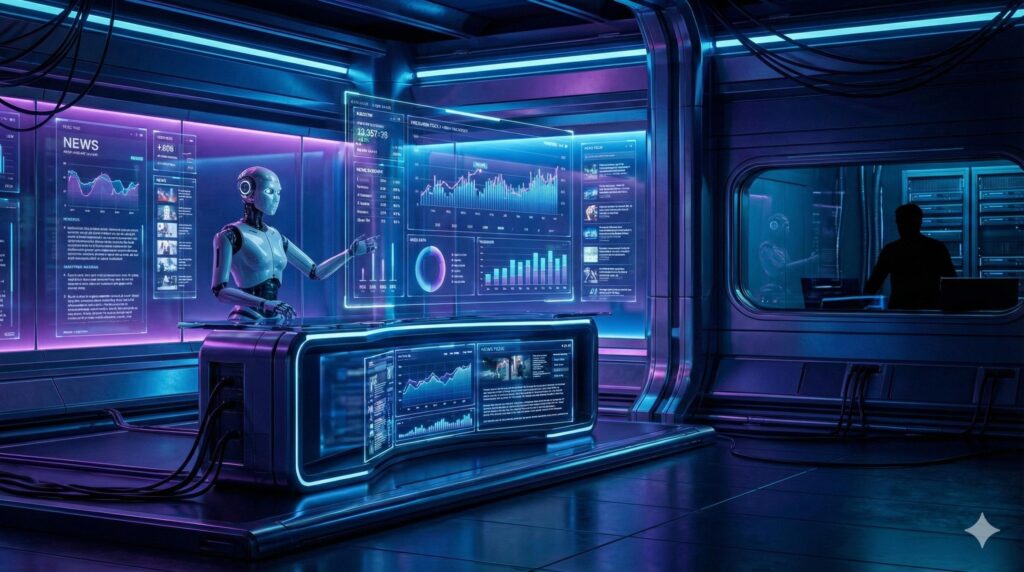
A rising favourite among indie creators and marketers. Integration with Google Search for accurate, context-aware, and data-driven visuals. Available in Gemini, Google AI Studio, and Google Workspace, allowing for integration into workflows for presentations, videos, and marketing materials.
Best for: thumbnails, ads, social posts
Strengths:
- Simple UI
- Multi-image referencing (up to 14 images)
- 4k Resolution
- Fast generation
- Free tier available
- Style presets
Limitations:
- Daily limits
- HD export may be locked
2) Freepik
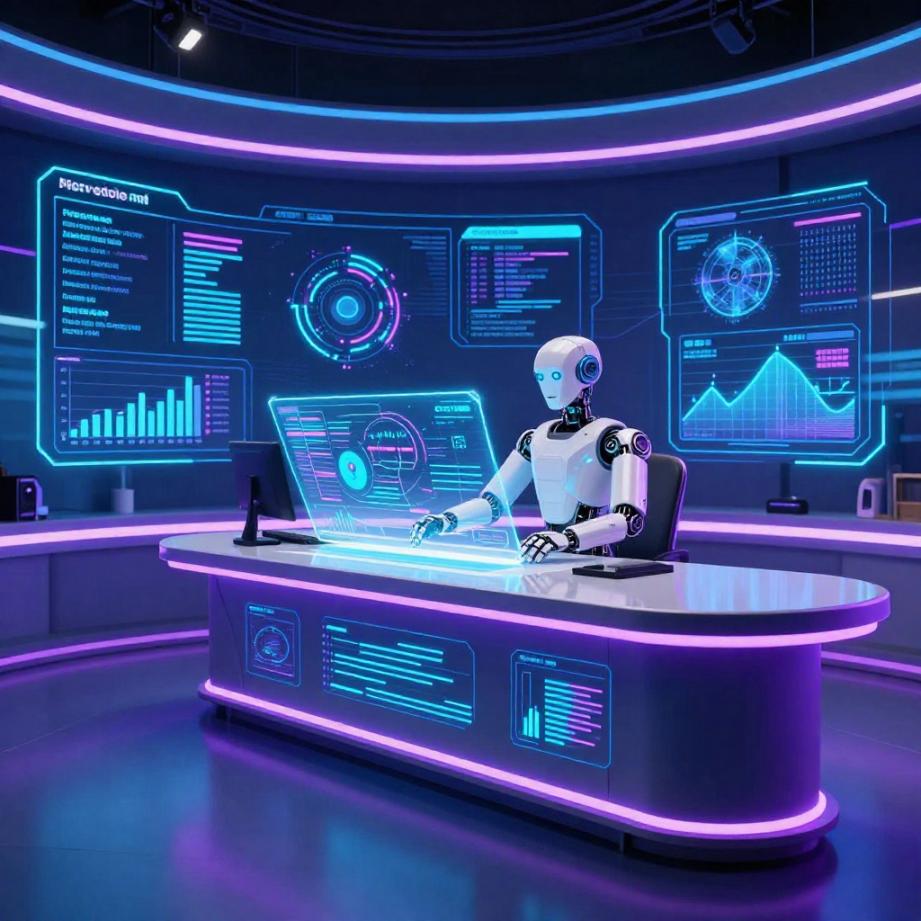
Known for stock graphics, now a strong AI art platform. Offers multiple models, including Mystic (for high-end, realistic 4K images), Flux (for creative, high-coherence visuals), and Classic. It includes image editing, background removal, custom style training (LoRAs), and aspect ratio adjustment, like 3D.
Best for: marketing visuals, banners
Strengths:
- Clean results
- Commercial licenses
- Inspiration & Prompt Helper
- Vector-style output
Limitations:
- Attribution sometimes required
3) ChatGPT Image
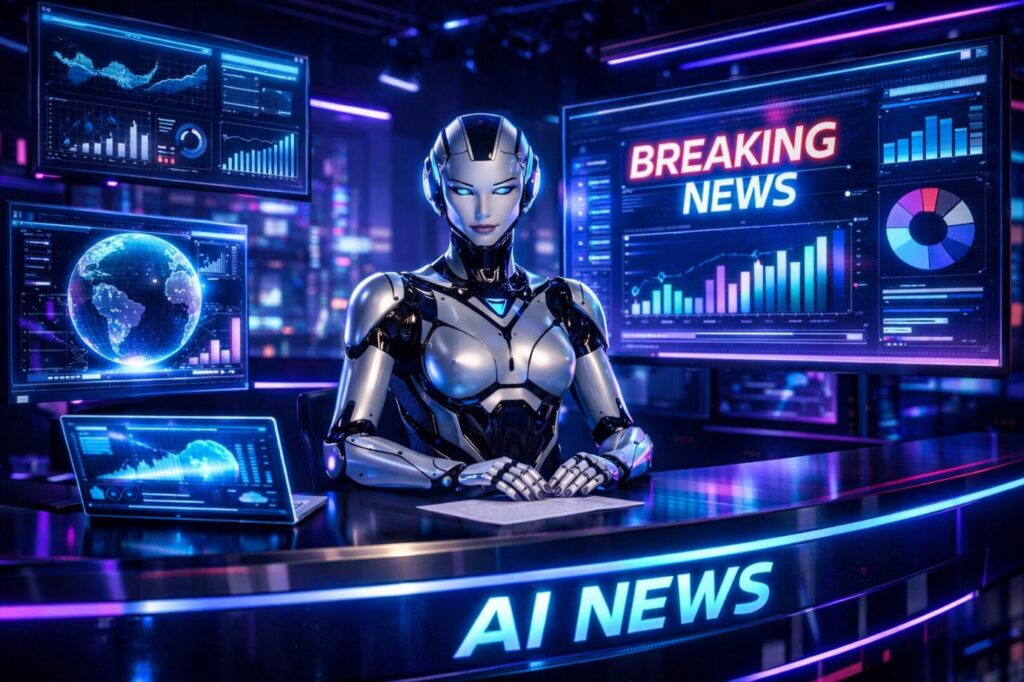
Popular for fast ideation and creative experimentation. It includes generating, editing, and blending images using natural language, including adding/removing objects, altering styles, and rendering accurate text. One of the best free AI Image Generators tool.
Best for: concept art, blog visuals
Strengths:
- Smart prompt handling
- Convert images into Ghibli-style, anime or 3D
- Area to view and manage generated images
- Integrated workflow
- Easy editing
Limitations:
- Resolution caps on the free tier
4) Artlist
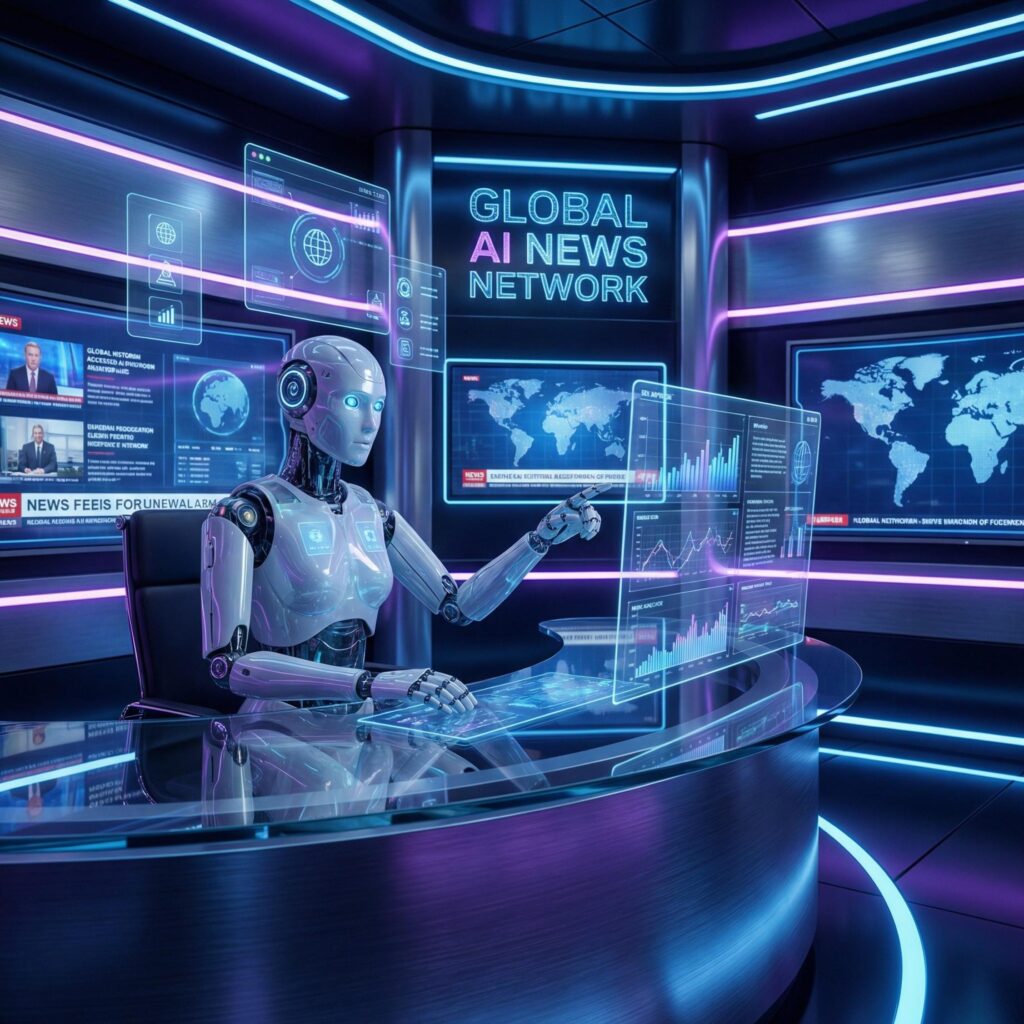
Originally for music, now adding visual AI tools. The platform distinguishes itself by combining text-to-image/video with an existing library of music, SFX, and footage under one commercial license.
Best for: marketing creatives
Strengths:
- Creator-friendly licenses
- 64+ image and video models
- Free credits for image generation
- Commercial focus
Limitations:
- Smaller free tier
5) Adobe Firefly
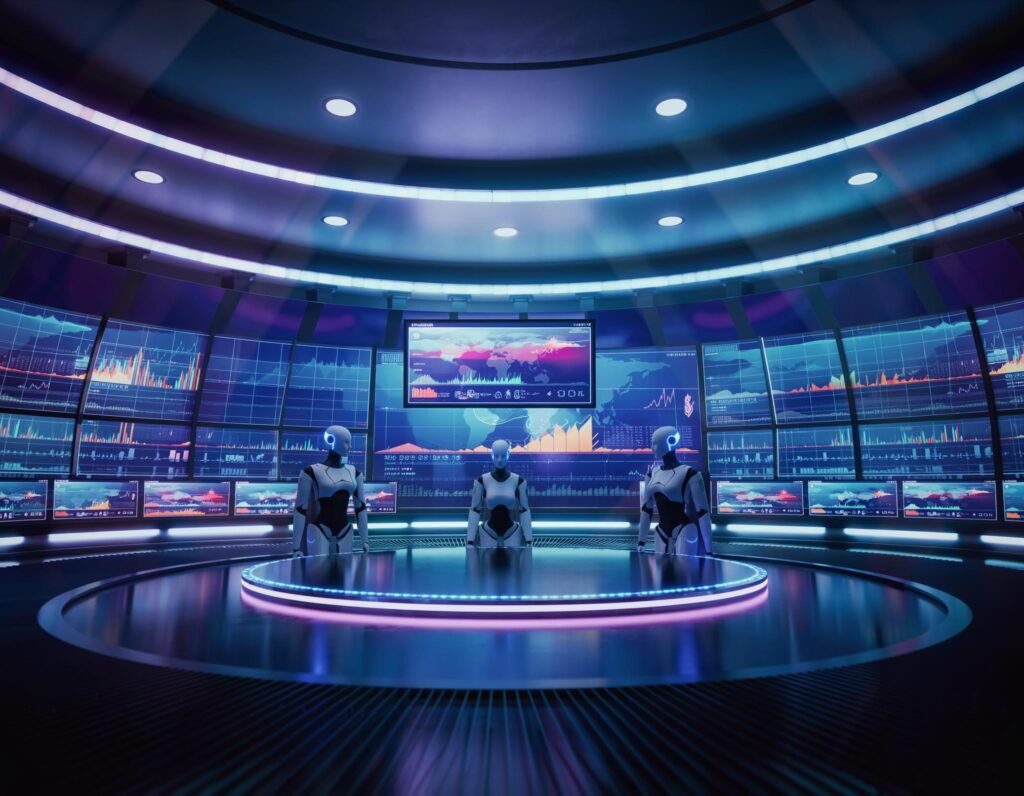
Professional-grade results with brand safety. Features like text-to-image creation, Generative Fill for editing, style application, and structure reference to create, edit, and iterate on visuals quickly.
Best for: commercial designs & ads
Strengths:
- Trained on licensed data
- Producing 4 variations at once
- Firefly Boards for organized, collaborative, and creative workflows
- No legal headaches
- Photoshop integration
Limitations:
- Credit-based free plan
6) Ideogram
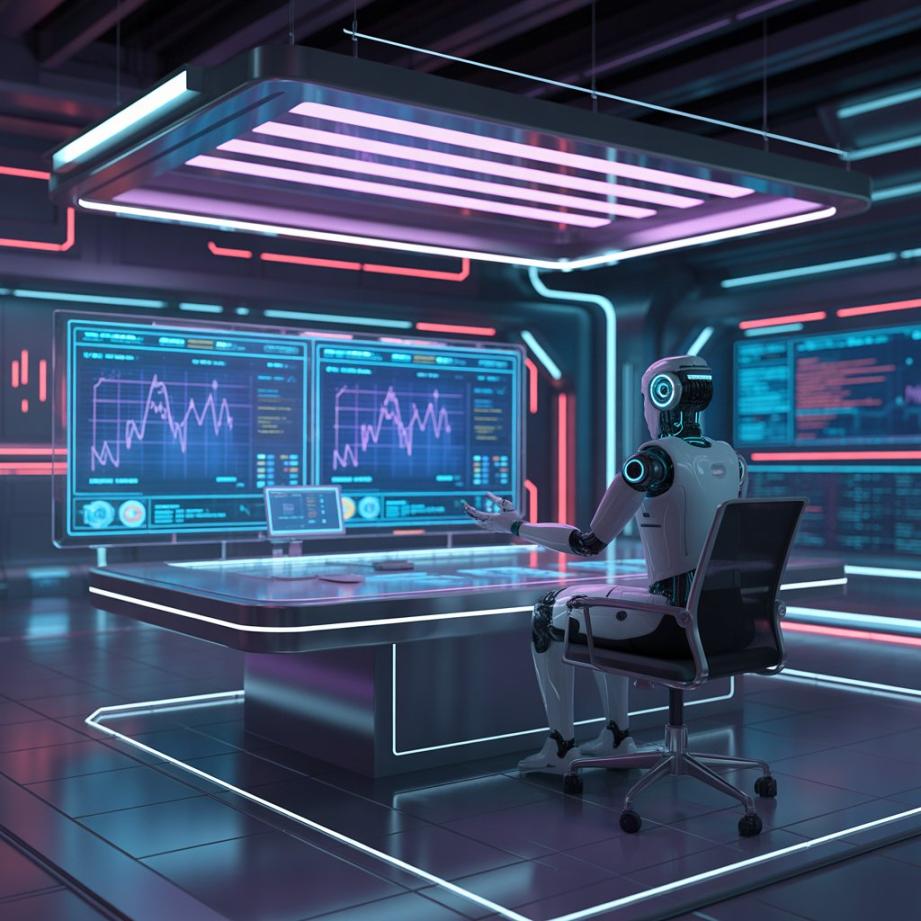
Excellent for text-heavy images. It is primarily recognized for its industry-leading ability to render accurate, legible text, logos, and typography within images. Founded by former Google Brain researchers, it is designed for graphic design, marketing, and creative content creation.
Best for: posters, logos, thumbnails
Strengths:
- Accurate typography
- Ideogram Canvas Editor
- Logo-style art
- Sharp visuals
- 10 Free credits per week
Limitations:
- Daily caps
7) Leonardo AI
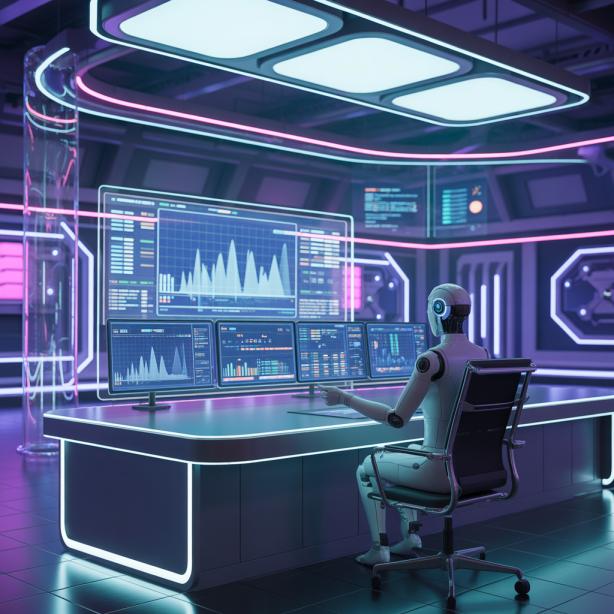
A digital artist’s favourite. It is a web-based generative AI platform designed to create high-quality, professional-grade images, videos, and 3D textures. It offers a “freemium” model with 150 daily tokens.
Best for: illustrations, fantasy art
Strengths:
- Model selection
- Create Images with a transparent background
- Alchemy Refiner tool to boost image quality, improving details like faces and hands.
- Style controls
- Prompt Magic for enhanced prompt adherence
- Community presets
Limitations:
- Learning curve
8) Canva Image Generator
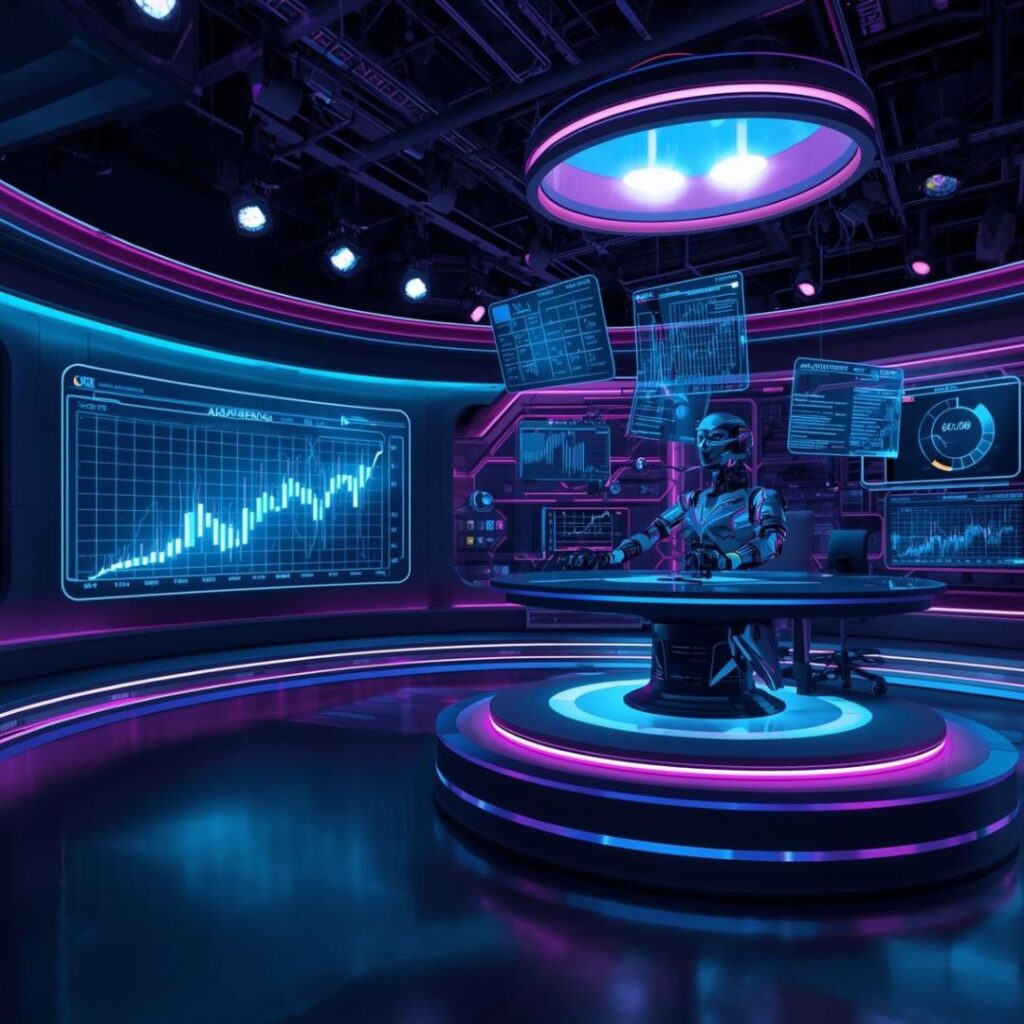
Perfect for non-designers. It’s Magic Media, turns text prompts into images, offering styles like photorealistic, anime, watercolour, and 3D. Key features include aspect ratio control, “Magic Edit” for modifying specific image areas, “Magic Expand” to extend image boundaries, and “Magic Eraser” for removing unwanted objects.
Best for: YouTube thumbnails & Instagram
Strengths:
- Drag-and-drop editor
- Images can be edited, expanded, or erased.
- Templates
- Background remover
- Pick up and move a subject in a photo
- Resize instantly
Limitations:
- Some exports are locked behind Pro
9) DeepAI
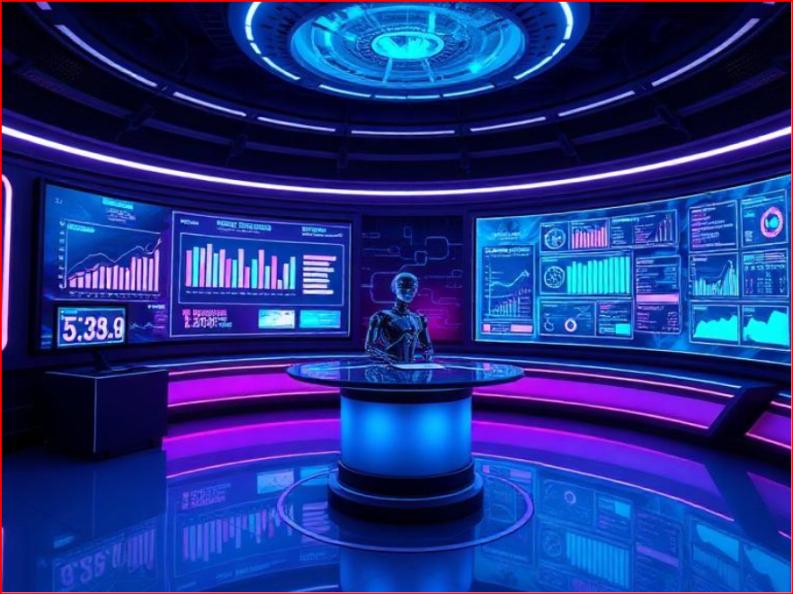
Simple and quick browser-based text-to-image generator. It is user-friendly, accessible without requiring a sign-up, and offers both free and Pro subscription tiers, including an API for developers.
Best for: casual creators
Strengths:
- Totally web-based
- Background remover/replacer
- Multiple modes
- No complex settings
Limitations:
- Image realism weaker
10) Seedream
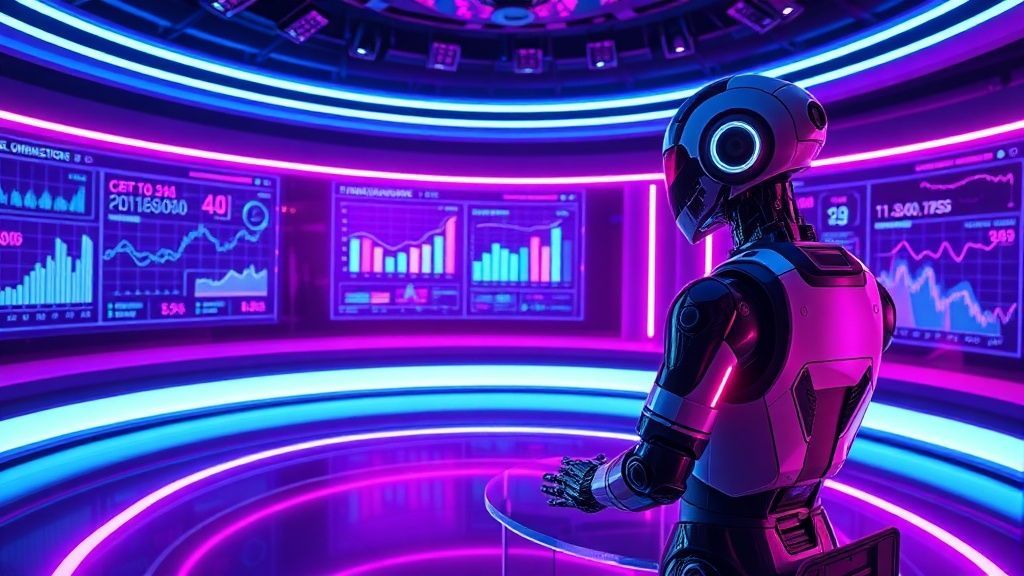
Stylish, trendy visuals for social media. Generate as many images as you want and unlock all core features completely free.
Best for: Instagram reels covers
Strengths:
- Fashion & lifestyle styles
- Multiple Artistic Styles
- Face & Detail Enhancement
- Fast
Limitations:
- Export restrictions
11) Recraft
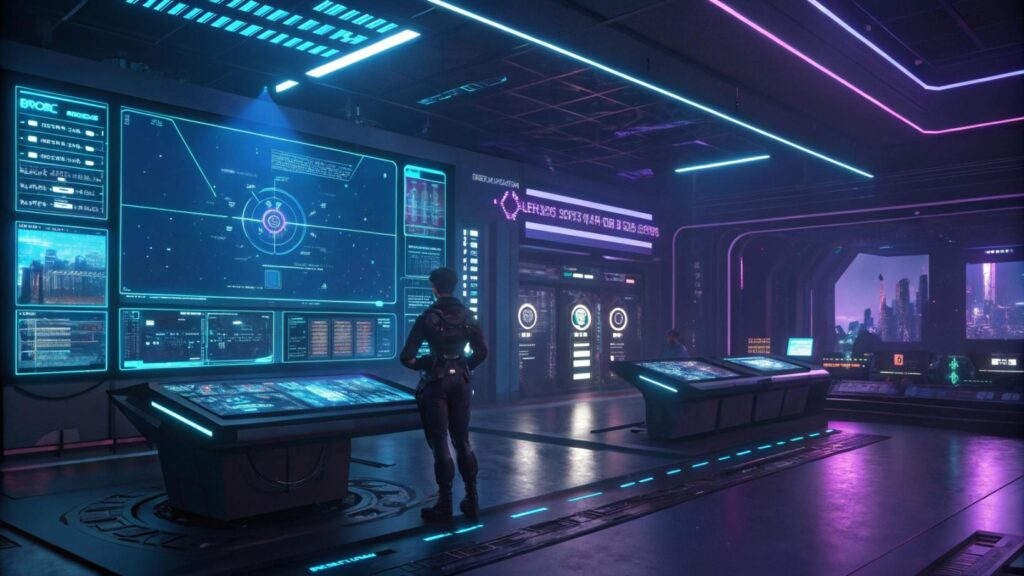
Perfect for logo creators. It is best at creating high-quality images, vectors (SVG), and 3D graphics, with accurate in-image text, rich style libraries, AI upscaling, and instant mockup generation, making it ideal for logos, branding, and marketing assets.
Best for: Poster, SVG logos & icons
Strengths:
- Vector output
- Branding tools
- Flat-style graphics
- AI eraser & background remover
- Mockup Generator
- Icon and Illustration sets
Limitations:
- Creative realism limited
>>> Note: I’m sure you’ve now found the best free AI image generators for your needs. Want me to recommend the top AI voice generators in 2026 for your creative work?
If you’re already using an AI voice generator, you might also like this guide: “17 Best AI Productivity Tools for Small Businesses in 2026 – Complete Guide.”
How to Choose the Best AI Image Generators?
Before picking a tool, ask:
✔ Does it allow commercial use?
✔ Is there a watermark?
✔ What resolution can I export?
✔ Daily limits?
✔ Does it create logos or thumbnails?
✔ Does it include editing tools?
What Is the Best Free AI Image Generators for Creators in 2026?
For general creators, the top picks:
- ⭐ ChatGPT Image – Best overall
- ⭐ Adobe Firefly – commercial-safe
- ⭐ Canva Image Gen – thumbnails + socials
- ⭐ Ideogram – text accuracy
- ⭐ Leonardo AI – digital artists
Which Free AI Image Generators Gives the Highest Quality?
Highest visual quality on free plans:
- ChatGPT Image
- Leonardo AI
- Adobe Firefly
- Ideogram
Are Free AI Image Generators Good for Professionals?
Yes, with limits.
Professionals often:
- Generate drafts for free
- Upscale elsewhere
- Edit in Photoshop/Canva
- Upgrade only when needed
Which Free AI Image Generators Tool Have No Watermark?
Often watermark-free (subject to terms):
- Adobe Firefly
- ChatGPT Image
- Canva (basic)
- Ideogram
- Leonardo AI
- Recraft
Always check licenses before publishing commercially.
Do Free AI Image Generators Tool Allow Commercial Use?
Some do:
✔ Adobe Firefly
✔ Freepik
✔ Canva
✔ Recraft
✔ Artlist
⚠ Others may require attribution.
Which AI Image Generators Tools Support High Resolution?
Best for HD exports:
- Nano Banana Pro
- Leonardo AI
- Adobe Firefly
- Ideogram
Can Free AI Tools Create Logos or Thumbnails?
Absolutely.
For logos:
- Recraft
- Ideogram
- Canva
For thumbnails:
- Canva
- Nano Banana Pro
How Do Creators Make Thumbnails for Free?
Workflow:
1️⃣ Generate background in Canva/Ideogram
2️⃣ Add text in Canva or Ideogram
3️⃣ Resize to 1280×720
4️⃣ Boost contrast
5️⃣ Add face or emoji overlays
How to Write Prompts for Better AI Images (Step-by-Step)
Great AI images don’t come from luck, they come from specific, structured prompts.
Instead of typing something vague like:
❌ “Create a YouTube thumbnail.”
You should guide the AI like a creative director.
Let’s break it down.
✅ Step 1: Describe the Main Subject
Start with what you want to see.
Ask yourself:
- Person, object, place, or product?
- What are they doing?
- Any facial expression or pose?
Example:
“A surprised young man holding a glowing smartphone…”
🎨 Step 2: Add the Style
Choose the artistic look:
- Photorealistic
- Cartoon
- 3D render
- Illustration
- Cyberpunk
- Minimalist
- Anime
- Studio lighting
Example:
“…in a cinematic, hyper-realistic style…”
🌤 Step 3: Set the Mood & Colours
Mood changes everything:
- Bright, energetic
- Dark and dramatic
- Cozy
- Futuristic
- Neon colors
- Pastel tones
Example:
“…with neon blue and purple lighting, energetic mood…”
💡 Step 4: Include Lighting & Camera Details
This improves the quality a lot:
- Soft lighting
- Rim light
- Golden hour
- Studio setup
- Close-up
- Wide angle
- Depth of field
Example:
“…soft studio lighting, shallow depth of field, close-up shot…”
📐 Step 5: Add Format & Resolution
Tell the AI where the image will be used:
- 16:9 for YouTube
- Square for Instagram
- Vertical for Shorts
- High resolution
- Ultra sharp
Example:
“…16:9 aspect ratio, ultra-sharp, high resolution…”
🚫 Step 6: Add What You Don’t Want (Optional)
You can exclude things:
- No blur
- No watermark
- No text
- No extra people
- No distortion
Example:
“…no watermark, no blurry areas, no extra hands…”
🧠 The Perfect Prompt Formula
Use this structure:
Subject + Action → Style → Mood/Colors → Lighting/Camera → Format/Quality → Restrictions
🔥 Complete Prompt Example
Here’s a full, ready-to-use prompt for creators:
“High-contrast YouTube thumbnail featuring a shocked young man holding a glowing smartphone, cinematic hyper-realistic style, neon blue and purple background, dramatic rim lighting, close-up portrait, shallow depth of field, bold composition with empty space for headline text, 16:9 aspect ratio, ultra-sharp, 8K quality, professional look, no watermark, no blur, no extra people.”
🎯 Pro Tip for Better Results
After generating once, refine:
- Add: “more dramatic lighting”
- Change: “make the face closer to camera”
- Improve: “increase contrast and sharpness”
That’s how pros get viral-ready visuals.
Conclusion: The Best Free AI Image Generators for Overall Use in 2026
If we had to pick one all-around winner for creators in 2026, it would be Canva Image Generator.
Why?
Because it balances quality, simplicity, commercial-ready designs, and real-world usability better than any other free option.
With Canva, you can:
- Generate images with AI
- Edit with your own style
- Instantly turn them into thumbnails, posts, or banners
- Add bold text and branding
- Resize for every platform
- Export quickly for YouTube, Instagram, blogs, or ads
It’s not just an image generator—it’s a complete creator workflow.
That said, the smartest move isn’t using only one tool. Most professional creators mix platforms:
👉 One for generating high-quality visuals
👉 One for typography or logos
👉 One for final polishing and layouts
Use free tiers to experiment, learn what fits your style, and upgrade only when your content or business demands it.
If you have any queries based on it, please don’t hesitate – just type your queries in the comments.
FAQs
What is the best free AI image generators tool for YouTubers?
Ans – ChatGPT Image, Canva, Nano Banana Pro and Ideogram.
Which works best for Instagram creators?
Ans – ChatGPT Image, Seedream, Canva, Freepik.
Best AI Image Generators for Bloggers
Ans – Adobe Firefly, ChatGPT Image, Leonardo AI.
Best AI Image Generators for Social Posts
Ans – Canva, Nano Banana Pro, Seedream, ChatGPT Image.
Can I create marketing visuals for free?
Ans – Yes—especially with Adobe Firefly, Freepik, and Canva.
Pingback: Hostinger AI Website Builder: Features, Price, Revenue 2026