Founded in 2017, QuillBot offers an AI-powered writing assistant.
QuillBot AI helps students, writers, and academics improve their writing quality, speed, and formatting. It has tools like a grammar checker, paraphraser, citation generator, and tone adjustment, making it very useful for students.
QuillBot was acquired by Learneo in 2021. It uses over 10 years of experience in academic publishing and has more than 144 million monthly active users.
QuillBot AI Key Stats
- QuillBot has 144+ million monthly active users.
- QuillBot has 75 million registered users worldwide
- QuillBot’s revenue was $27.4 million in 2025
- Use it for free (limited) or get a subscription of $4.17 per month on annual plans.
- Available on Web, Android, iOS, Windows, macOS, MS Word
What Is QuillBot AI?
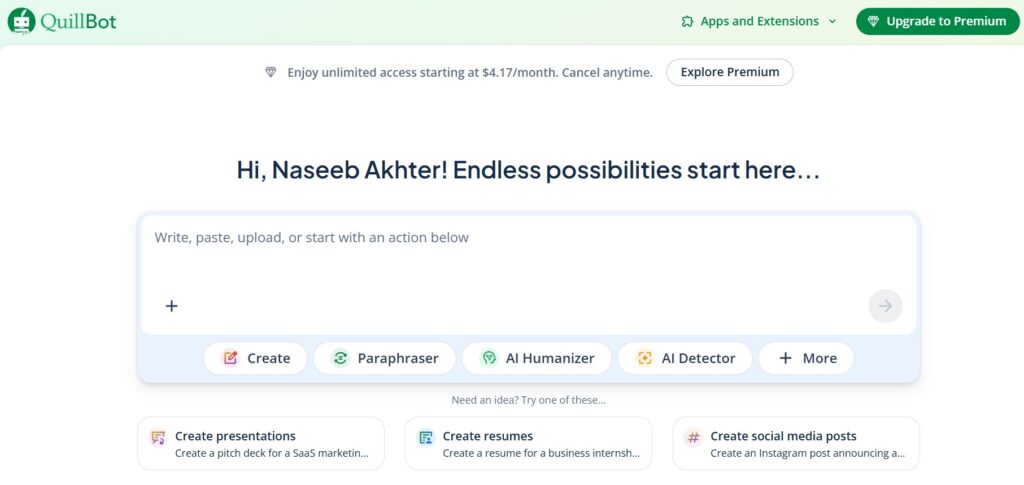
QuillBot is an AI-powered writing assistant that improves your writing through paraphrasing, rephrasing, grammar checking, summarizing, humanizing, and other AI tools, so your text sounds clear, natural, and professional without changing your original idea.

Understand like this – If you are stuck while writing an assignment, blog post, or email, QuillBot helps you improve your words without changing your main idea.
QuillBot AI Features
QuillBot AI offers more than 14 features for users. Let’s explore it.
Paraphrasing Tool
QuillBot AI is popular mainly because of its Paraphraser feature. It has 9+ modes that let you rewrite text in different ways.
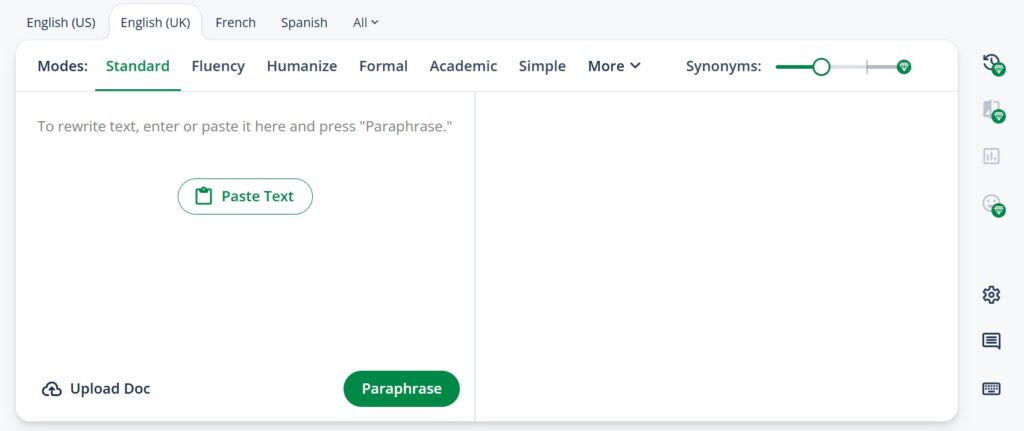
You can also adjust synonyms and languages based on your needs, even in the free version.
Grammar Checker
QuillBot’s AI-powered Grammar Checker helps you write with clarity, confidence, and accuracy. It fixes grammar, spelling, punctuation, and sentence errors instantly.
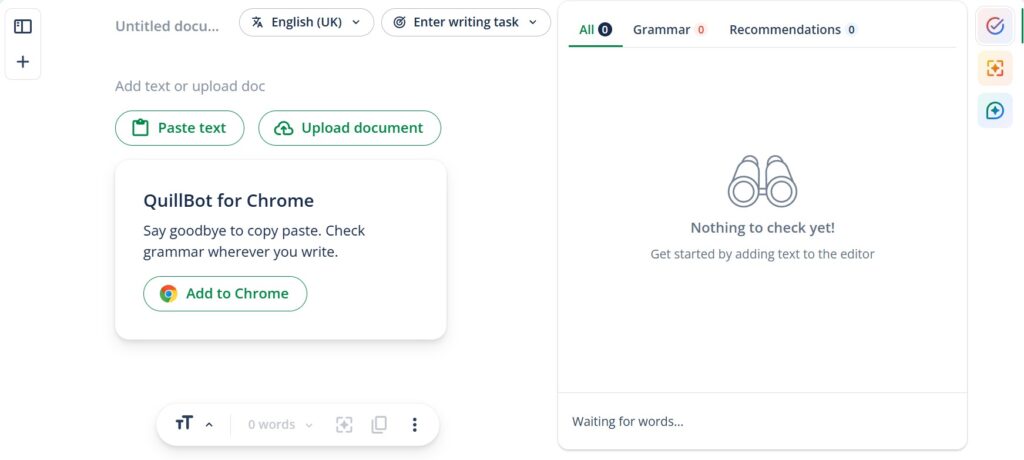
It also explains why corrections are made, helping you learn while improving your writing. It supports multiple English dialects and several other languages, even in its free plan.
Plagiarism Checker
When writing your legal notes, it’s important to check whether your content is original using a plagiarism checker. It plays an important role for bloggers, journalists, and business professionals.
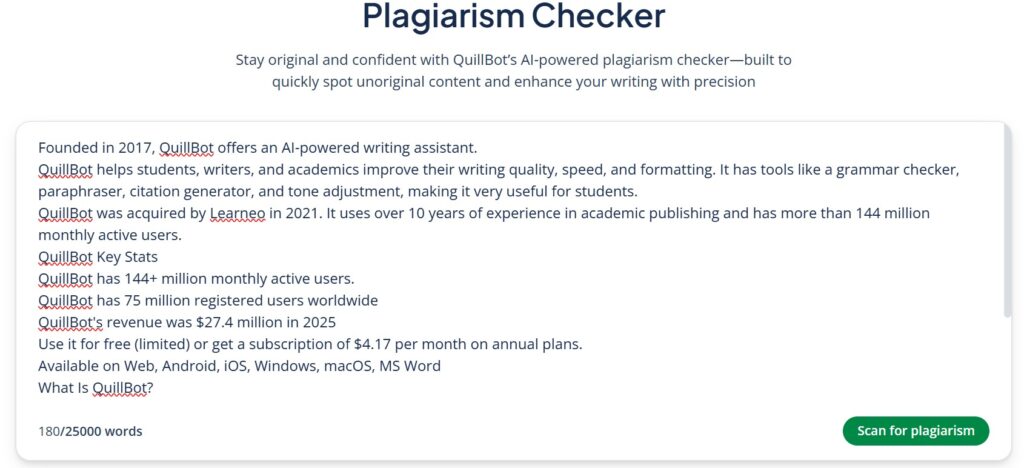
You can detect plagiarism in more than 100 languages, with up to 25,000 words per month available for free.
Summarizer
Sometimes, long content looks boring, and people don’t want to read lengthy articles. In such cases, you can use the QuillBot AI Summarizer to shorten the article and understand it without losing the main idea.
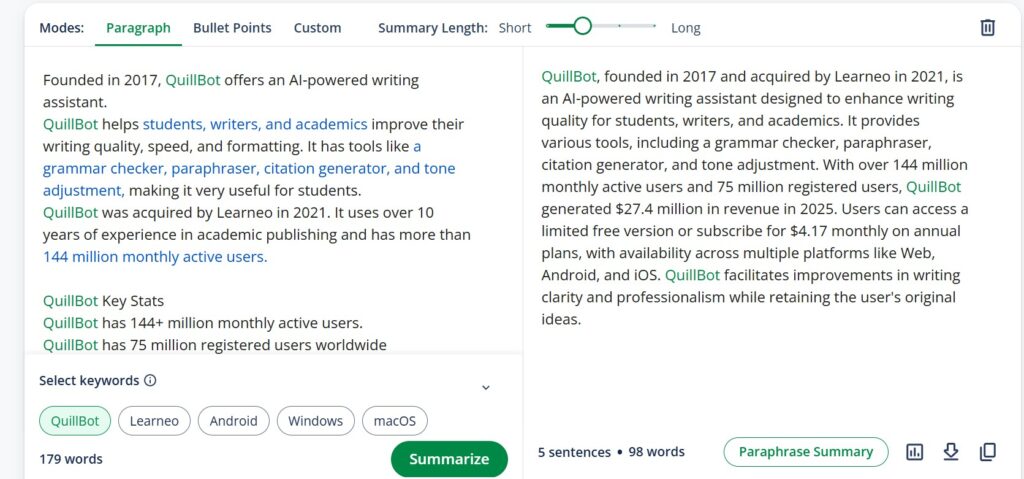
This AI-powered tool extracts key points from any document by allowing you to choose between bullet points or paragraph format. In the free version, you can adjust the summary length up to 600 words.
Citation Generator
This tool helps you create references for academic writing in over 1,000 different citation styles for free, without limits.
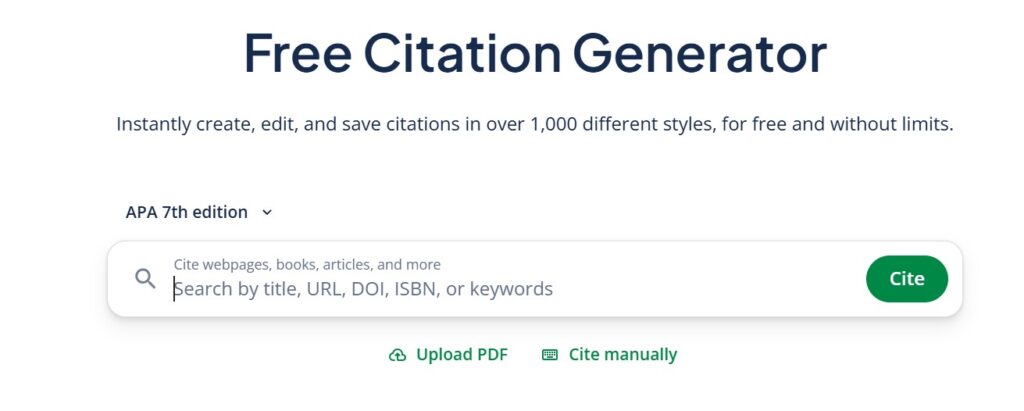
It can generate citations for books, articles, and websites in popular formats such as APA, MLA, and Chicago.
You just paste a URL or search for the source, and it automatically creates both in-text citations and full references.
Translator
The AI-powered QuillBot Translator is quite useful, as it can translate text into 52 languages. It also allows you to edit translations, replace words with synonyms, and cite sources using integrated writing tools.
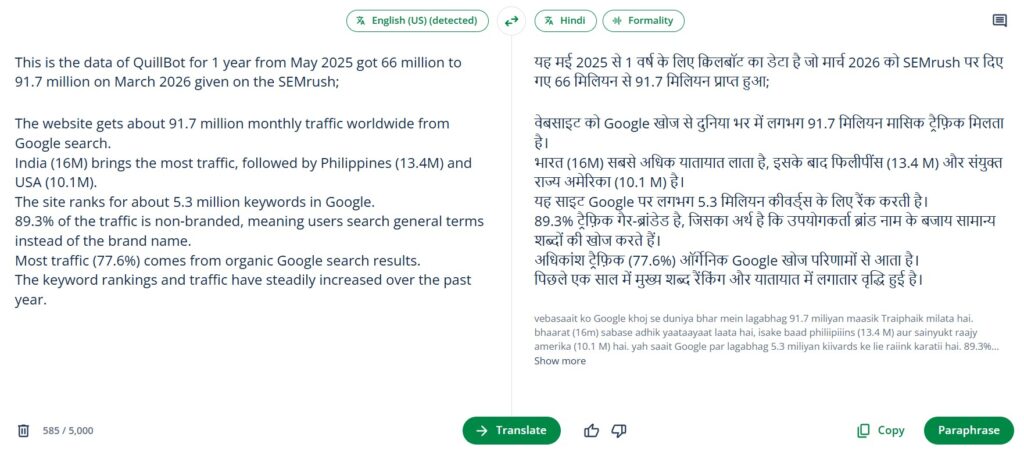
And you can paraphrase the output with just one click. Use it completely free online without downloading any app.
AI Chat
QuillBot’s free AI Chat helps you create and improve content, understand complex topics, and connect ideas easily.
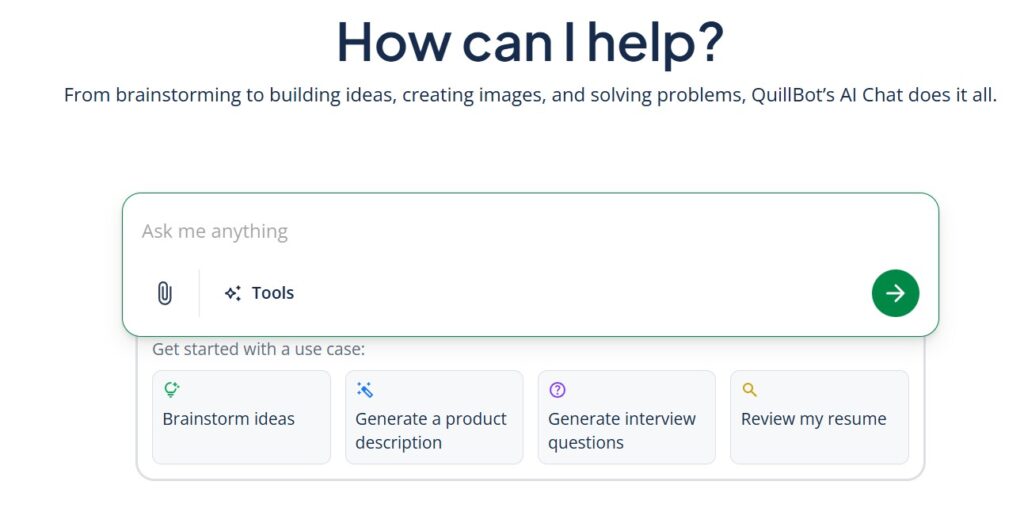
You can ask questions, translate text, summarize information, and create or edit images, all in one place.
AI Detector & Humanizer
An AI detector is a tool that checks whether text was written by a human or created by AI.
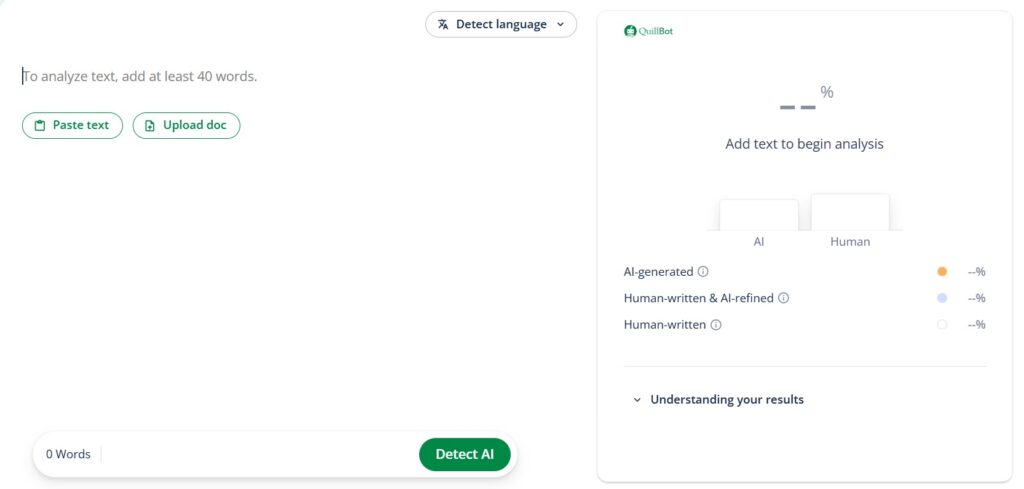
It can identify content from AI models like ChatGPT, Gemini, Claude, and Llama. It can also detect text that has been edited with paraphrasing or grammar tools because it learns from new AI writing patterns.
Social Media Post Writer
Nowadays, catchy posts are very important for getting engagement.
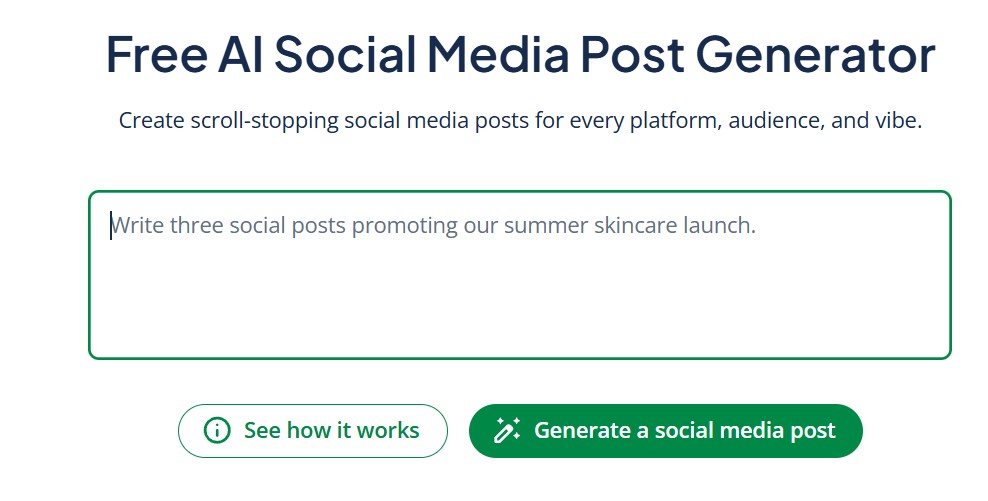
For this, QuillBot’s free AI Social Media Post Generator helps you create clear, well-structured, and attention-grabbing posts instantly by simply entering prompts based on your keywords.
AI Image Generator & Editor
I tested the QuillBot AI Image Generator with the prompt below, and you can see the result below.
Prompt – Futuristic AI writing assistant helping a student rewrite text on a laptop, glowing AI interface showing paraphrasing, grammar correction, and summarizing tools, floating text elements transforming into better sentences, modern workspace, neon blue and purple lights, clean minimal background, highly detailed digital illustration, 4K, technology and productivity theme
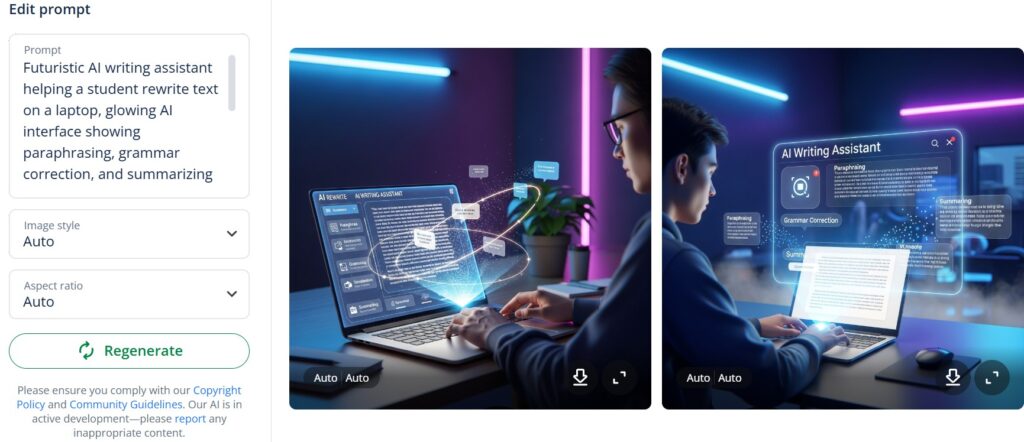
Just enter a prompt, choose a style and aspect ratio, and generate the image. You can create up to six images for free or upgrade for unlimited generations.
You can also edit images easily with its AI Image Editor. You can improve image quality, remove backgrounds, or erase objects using simple text prompts.
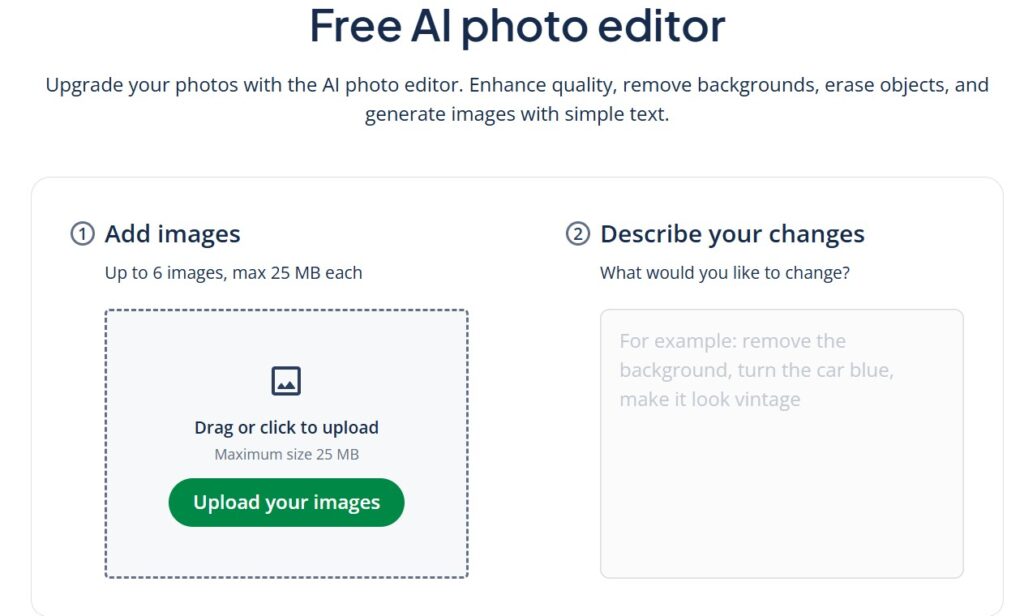
It can also repair old or damaged photos by removing noise, scratches, and other visual problems.
Presentation Creator
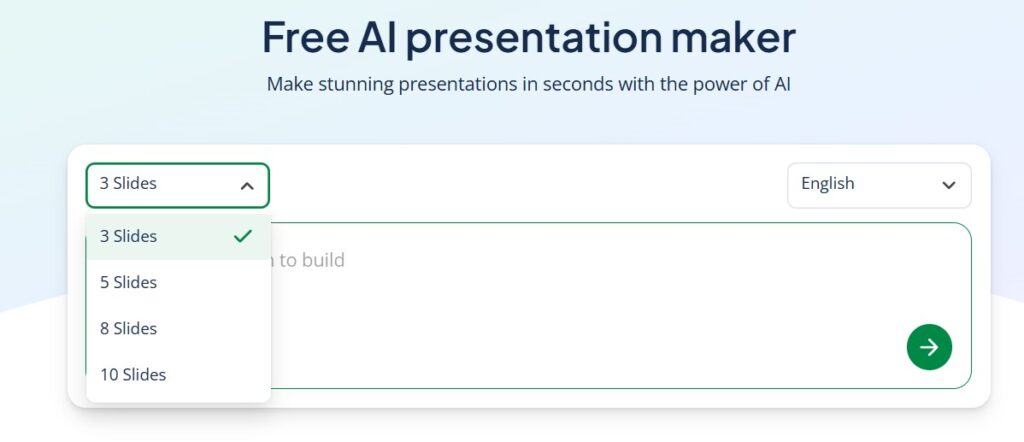
Creating good presentations for your audience is important. You can use QuillBot’s AI-powered presentation tool to make it easier.
Cover Letter Generator
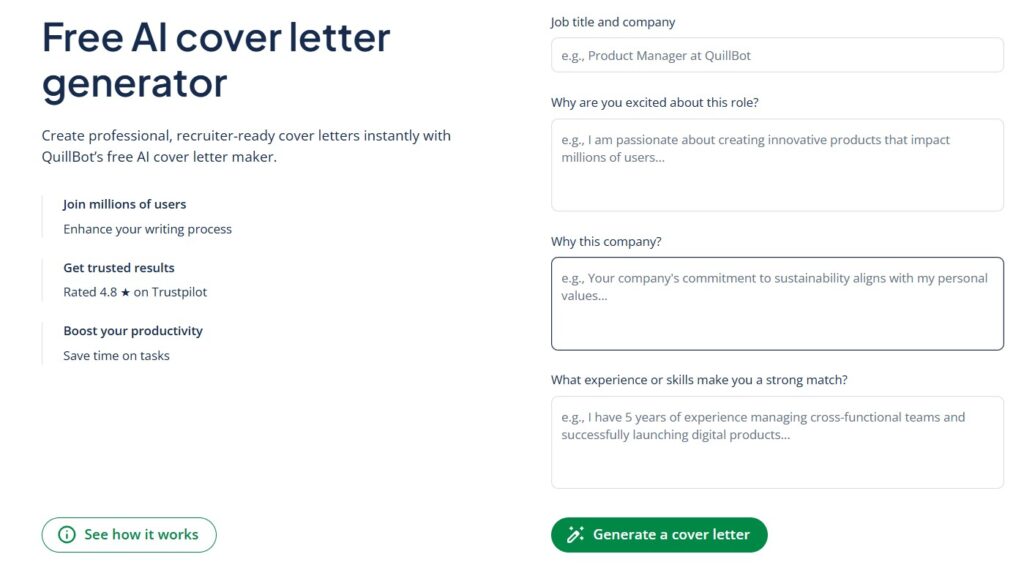
It also offers a free AI cover letter generator where you can create professional, recruiter-ready cover letters instantly just by sharing your ideas.
PDFs Converter Tools
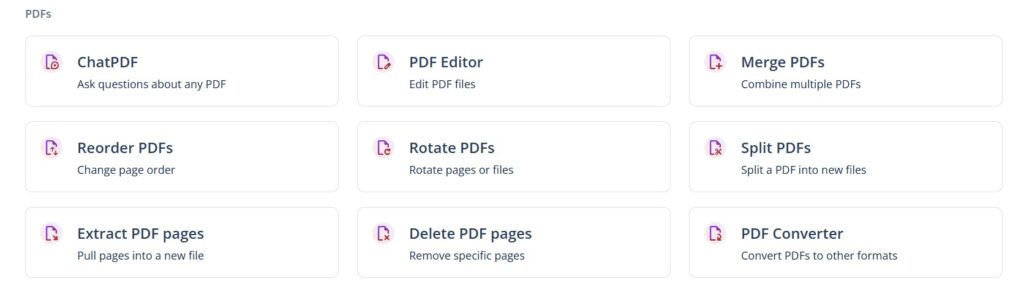
Along with these tools, QuillBot AI also offers several features that help you work with PDF files. One of the most useful tools is ChatPDF, which allows you to ask questions directly about your document. Simply upload your PDF and ask any questions, and ChatPDF will quickly analyze the content and provide relevant answers.
In addition to ChatPDF, QuillBot AI provides several helpful PDF editing tools. These include a PDF Editor for modifying documents, Merge PDFs to combine multiple files, Reorder PDFs to arrange pages in the correct order, and Rotate PDFs to fix page orientation.
You can also split PDFs, extract PDF pages, delete unwanted pages, and use the PDF Converter to convert PDF files into other formats. These tools make it easier to manage, edit, and organize your PDF documents without needing additional software.
Converter – Word, Excel & PowerPoint
Lastly, QuillBot AI also provides tools to convert documents into different formats. You can easily convert a PDF into an editable Word document while keeping the original formatting.
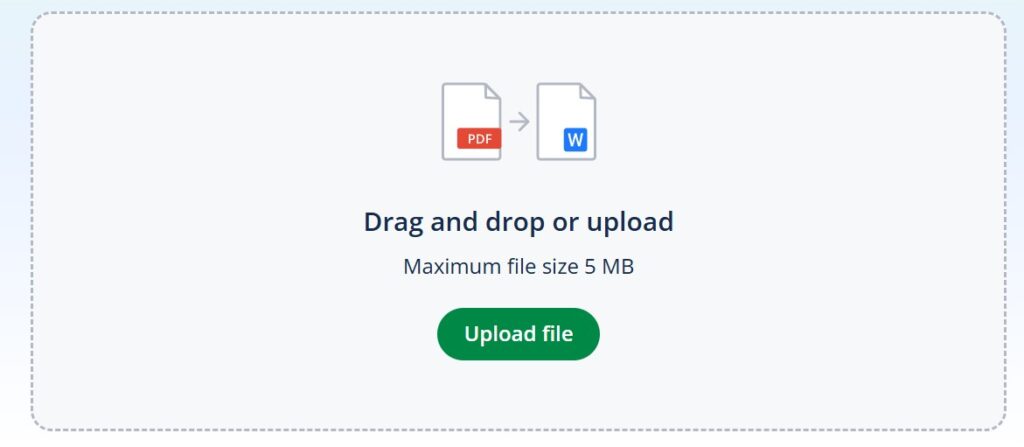
It also offers other converters such as PDF Converter, Excel Converter, and PowerPoint Converter, helping you quickly change files into the format you need.
>>> 15 Best AI Text Generators for SEO Content in 2026 (Tried & Tested)
QuillBot AI Pros and Cons
| Pros | Cons |
|---|---|
| Easy to use interface that helps improve writing quickly | Free version has a 125-word limit for paraphrasing |
| Paraphrasing tool with multiple modes like Standard, Fluency, Creative, and Formal | Sometimes produces awkward or robotic sentences |
| Accurate grammar checker that improves writing quality | May misunderstand context and suggest unrelated words |
| Helpful tools like summarizer, plagiarism checker, and citation generator | Some features require manual editing |
| Works with browser extensions and integrations like Chrome, Edge, Word, and Google Docs | Premium plan needed to unlock full features |
| Saves time by quickly rewriting emails, articles, or documents | Credit limits can be inconvenient |
| Useful for students, writers, and professionals |
QuillBot AI Use Cases
QuillBot AI can be useful in many situations where writing, editing, or improving text is needed. Here are some common use cases:
- Academic Writing: Students can use QuillBot to rewrite sentences, check grammar, summarize research papers, and create citations for assignments and essays.
- Content Creation: Bloggers, writers, and content creators can paraphrase articles, improve readability, and generate clearer content for blogs, websites, or social media.
- Professional Communication: Professionals can use QuillBot to write better emails, reports, and presentations with proper grammar and a more professional tone.
- Research & Study: Researchers and students can summarize long documents, extract key points, and avoid plagiarism while writing reports or papers.
- Language Learning: Non-native English speakers can use QuillBot to improve grammar, understand better sentence structures, and enhance their writing skills.
- Social Media Content: Creators can quickly generate engaging captions, posts, and short content for platforms like Instagram, LinkedIn, and Twitter.
- Document Editing: Users can edit, paraphrase, and improve documents like essays, articles, emails, and business documents.
Pricing: Is QuillBot AI Free To Use?
Yes, QuillBot AI offers a free version that allows users to try many of its core features, but with certain limitations. It is a great option for students, writers, and researchers who need basic writing support without paying for a subscription.
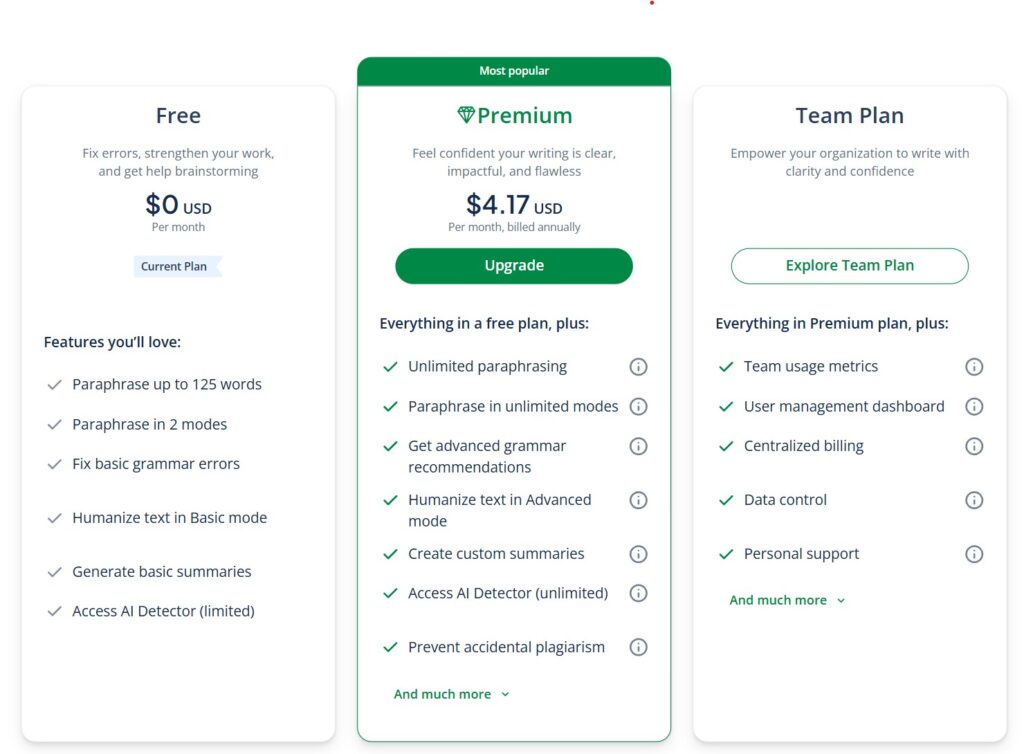
In addition to the free plan, QuillBot AI also offers two premium plans: Premium and Team, which provide access to advanced features and fewer restrictions.
| Plan | Price | Billing | Details |
|---|---|---|---|
| Free Plan | $0 | Free | Basic access with limited features |
| Premium Plan | $4.17/month | Billed annually | Full access to advanced features |
QuillBot AI Team Plans
| Team Size | Price (per seat/month) | Annual Billing | Savings |
|---|---|---|---|
| 2 – 10 seats | $3.75 | $44.95 per year | Save 10% |
| 11 – 50 seats | $3.33 | $39.95 per year | Save 20% |
| 51+ seats | $2.91 | $34.95 per year | Save 30% |
What You Get in the Free Version?
- Paraphrase up to 125 words at a time
- Access to 2 paraphrasing modes
- Fix basic grammar and spelling errors
- Humanize text in Basic mode
- Generate basic summaries
- Limited access to the AI Detector
This plan is suitable for users who want to test the tool or need occasional writing help.
What You Get with the Premium Plans ($4.17/Month)
- Unlimited paraphrasing with higher word limits
- Access to all paraphrasing modes
- Advanced grammar suggestions and writing improvements
- Advanced AI Humanizer mode
- Create custom summaries with more control
- Unlimited AI Detector access
- Plagiarism checking to avoid accidental plagiarism
- Faster processing and additional writing features
The Premium plan is ideal for students, professionals, content creators, and researchers who need more advanced writing tools and fewer restrictions.
QuillBot AI Monthly Active Users
According to the latest data, QuillBot AI has around 144.7 million monthly active users worldwide as of February 2026.
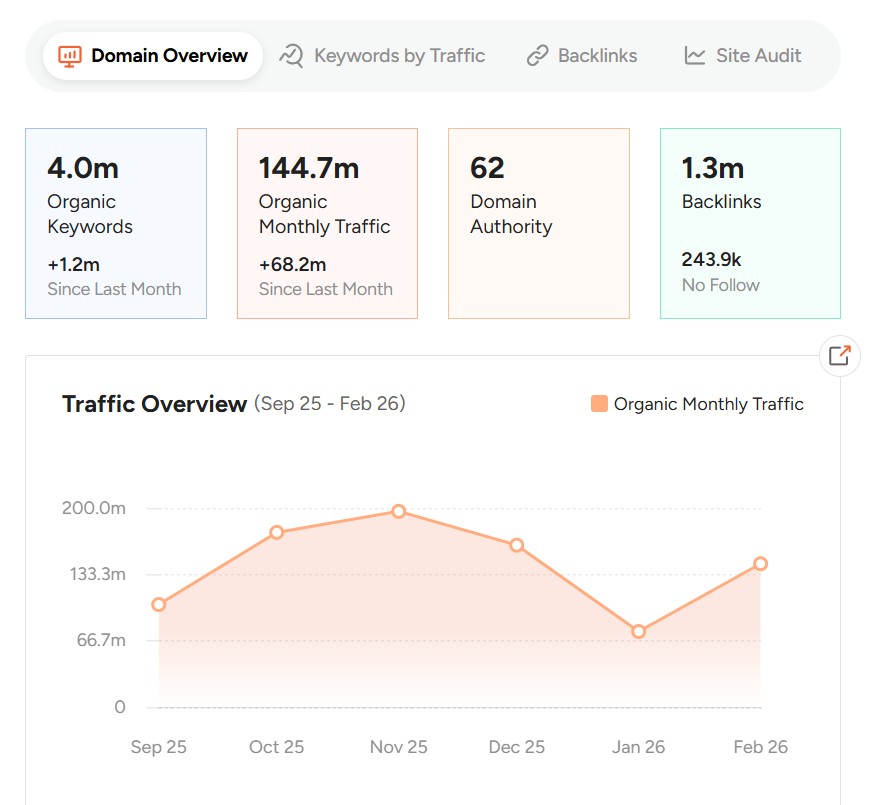
That’s up from 103.6 million monthly active users reported in September 2025.
QuillBot AI Search Volume
This data from SEMrush shows QuillBot’s performance over one year, from May 2025 to March 2026. During this period, the website’s traffic increased from 66 million to 91.7 million monthly visits.
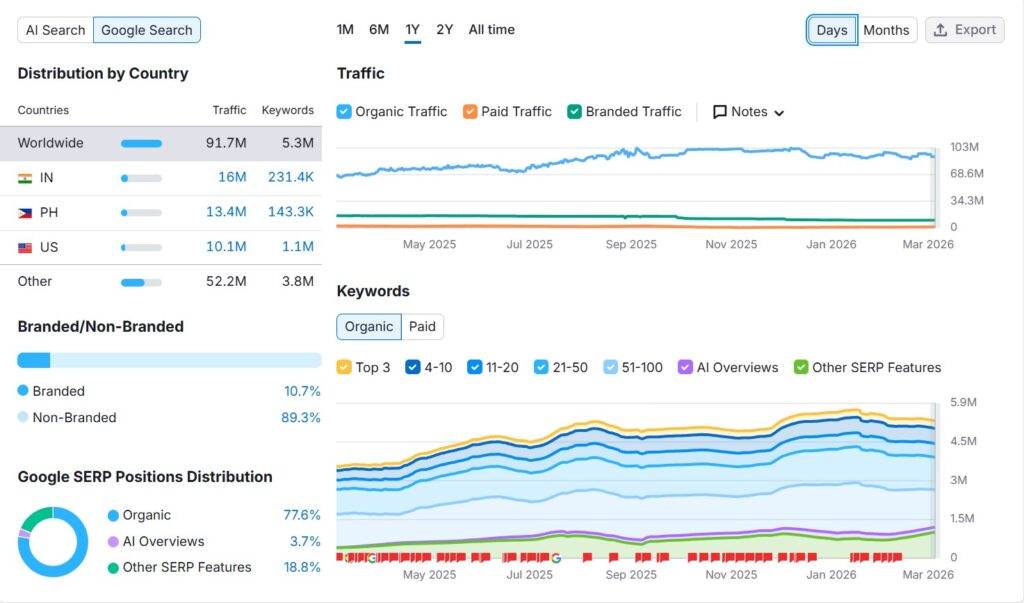
- The website receives about 91.7 million monthly visits worldwide from Google Search.
- India (16M) brings the most traffic, followed by Philippines (13.4M) and United States (10.1M).
- The site ranks for approximately 5.3 million keywords on Google.
- About 89.3% of the traffic is non-branded, meaning users search for general terms rather than the brand name.
- Most of the traffic (77.6%) comes from organic Google search results.
- Overall, the keyword rankings and traffic have steadily increased over the past year.
QuillBot AI Revenue & Funding
QuillBot is an AI writing assistant that was founded in 2017. It was acquired by Learneo in August 2021 after raising more than $4 million in seed funding.
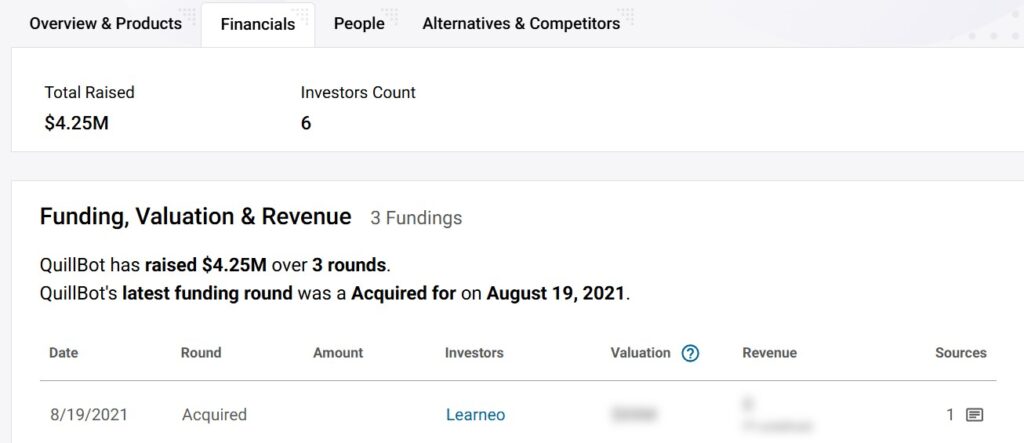
By 2025, QuillBot was generating around $27.4 million in annual revenue, had a team of over 200 employees, and served more than 35 million users worldwide.
QuillBot AI Alternative
Paperpal AI Writing Tool: Features, Price, Key Stats
FAQs
What is QuillBot?
QuillBot is an AI-powered writing assistant that helps improve writing by paraphrasing text, checking grammar, summarizing content, and generating citations.
Is QuillBot free to use?
Yes, QuillBot offers a free version with basic features. However, some advanced tools and higher word limits are available only in the Premium plan.
What does QuillBot’s paraphrasing tool do?
The paraphrasing tool rewrites sentences or paragraphs using different words while keeping the original meaning. It helps improve clarity and writing style.
Is QuillBot good for academic writing?
Yes, QuillBot is widely used for academic writing because it offers paraphrasing, summarizing, grammar checking, and citation tools.
What languages does QuillBot support?
QuillBot supports multiple languages through its translation tool, allowing users to translate text into more than 50 languages.
Does QuillBot have browser extensions?
Yes, QuillBot offers browser extensions for Chrome and Edge and also integrates with tools like Google Docs and Microsoft Word.