Imagine waking up one morning, having a million-dollar website/app idea… and by that same evening, it’s actually built. No coding degree. No developer salary. Just you, a laptop, and an AI tool.
Sounds like science fiction, right?
Well, welcome to 2026. Because that is literally happening right now.
Today, we’re breaking down the 7 best AI coding tools every beginner, student, and entrepreneur needs to know about. We tried and tested every single one of them — so you don’t have to waste your time or your money.
I’m talking about GitHub Copilot, Claude Code, Replit, Lovable, Cursor, Bolt, and Emergent.
Explore the complete article, because I’ll tell you exactly which tool is right for you, based on your skill level and budget.
Let’s Get Started…
Before we dive in, here’s something you need to understand.
A few years back, building any kind of software meant months of studying syntax and chasing down bugs. Now you can describe what you want in plain English and have something working by the end of the day.
App builders let you describe what you want — the tool builds a working app in your browser. Think Lovable, Bolt, Replit. Coding assistants live inside a code editor and autocomplete, generate, refactor, and debug. Think Cursor, GitHub Copilot, Claude Code.
What Are AI Coding Tools?
AI coding tools are software applications that use artificial intelligence to help people write, fix, improve, or fully generate computer programs. Think of them as extremely smart assistants for building software — some sit inside your code editor and make suggestions as you type, while others can build entire applications from a single sentence.
In 2026, these tools fall into two main categories:
•App Builders — You describe what you want, and the AI builds the entire app for you. No coding required. Perfect for non-technical founders and beginners. Examples: Lovable, Bolt, Emergent, Replit.
•Coding Assistants — You write some code, and the AI helps you write it faster, catch mistakes, and handle complex tasks. Best for developers and students. Examples: GitHub Copilot, Cursor, Claude Code.
Choosing the right category before picking a tool is the single most important decision you will make. The wrong tool for your skill level will slow you down, waste your money, and lead to frustration.
Quick Comparison: 7 Best AI Coding Tools at a Glance
| Tool | Best For | Price/Month | Skill Level | Type |
|---|---|---|---|---|
| GitHub Copilot | Beginners & teams | Freemium/Pro$10 | Beginner | Coding Assistant |
| Claude Code | Complex projects | $20+ | Advanced | Terminal Agent |
| Replit | All-in-one builds | Freemium/ Pro $18 | Beginner-Mid | Browser IDE |
| Lovable | Non-coders/founders | Freemium/ Pro $25 | No-code | App Builder |
| Cursor | Daily development | Freemium/ Pro $20 | Mid-Advanced | AI IDE |
| Bolt | Fast prototypes | Freemium/ Pro $20 | Beginner | App Builder |
| Emergent | Full-stack no-code | Freemium/ Pro $20 | No-code | App Builder |
TOOL #1 — GitHub Copilot
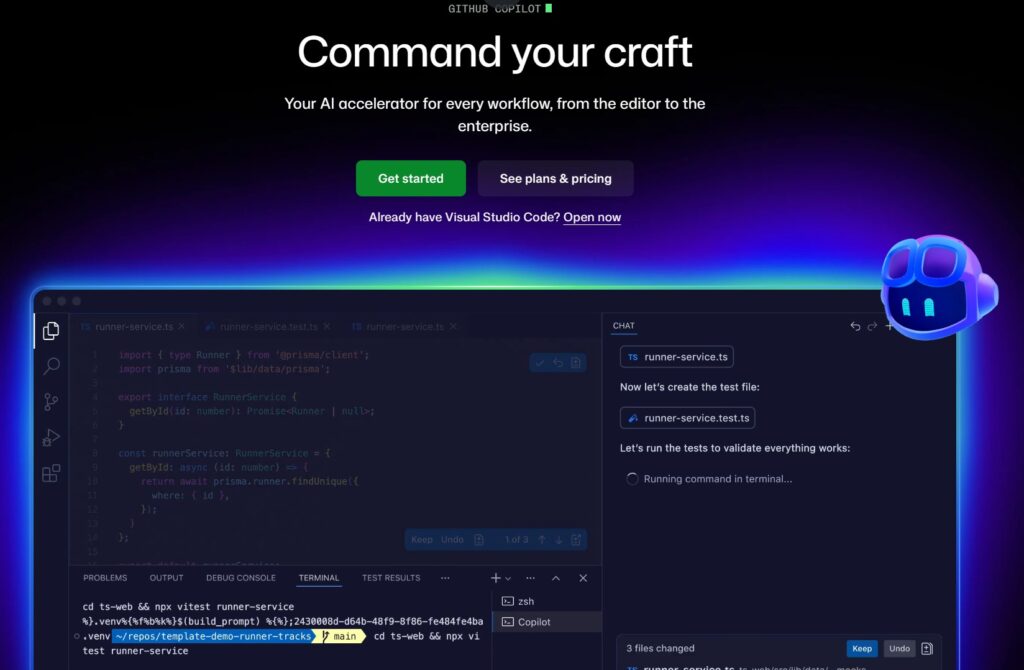
GitHub Copilot is like having a really smart friend who sits next to you while you code and whispers, “Hey, I think you mean this.”
It plugs directly into the code editors you’re probably already using — like VS Code, JetBrains, and Neovim. As you type, it watches what you are writing and automatically suggests the next line or entire block of code. It is like having a knowledgeable friend peering over your shoulder, quietly finishing your sentences.
For most beginners and career-switchers, GitHub Copilot is a great starting point. It integrates with VS Code and other editors, has an individual plan around $10/month, and is a low-friction way to get AI help.
| Best For | Beginners, students, and teams already using GitHub |
| Price | ~$10/month individual plan; $19/month Business; $39/month Enterprise |
| Works In | VS Code, JetBrains, Neovim, Visual Studio, and more |
| AI Models | GPT-4o, Claude 4, Gemini 2.0 Flash, o3-mini |
| Skill Level | Beginner-friendly — works in any editor, no setup required |
| Verdict | The safest and most accessible starting point for new coders |
TOOL #2 — Claude Code
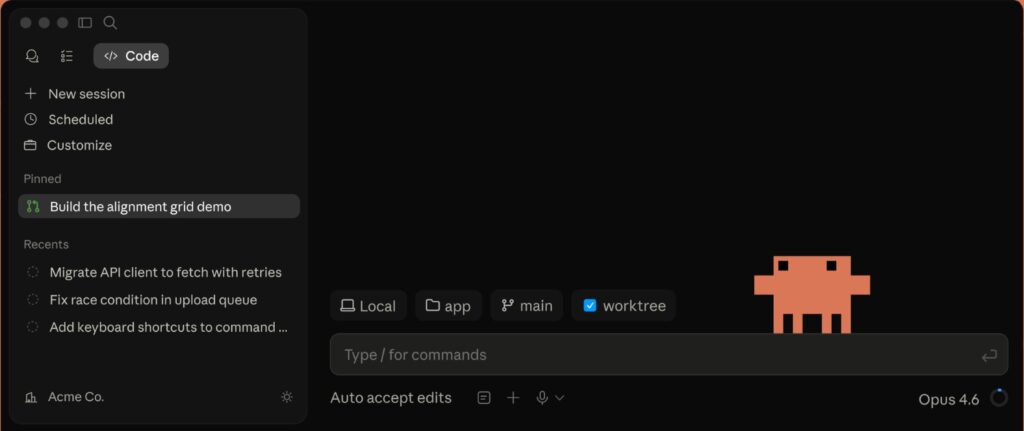
Claude Code is built by Anthropic, the AI safety company, and it works a little differently from the others. Instead of living inside a fancy visual editor, it lives right in your terminal, that black screen with blinking text that might look intimidating but is incredibly powerful. Also, you can install it in VS Code.
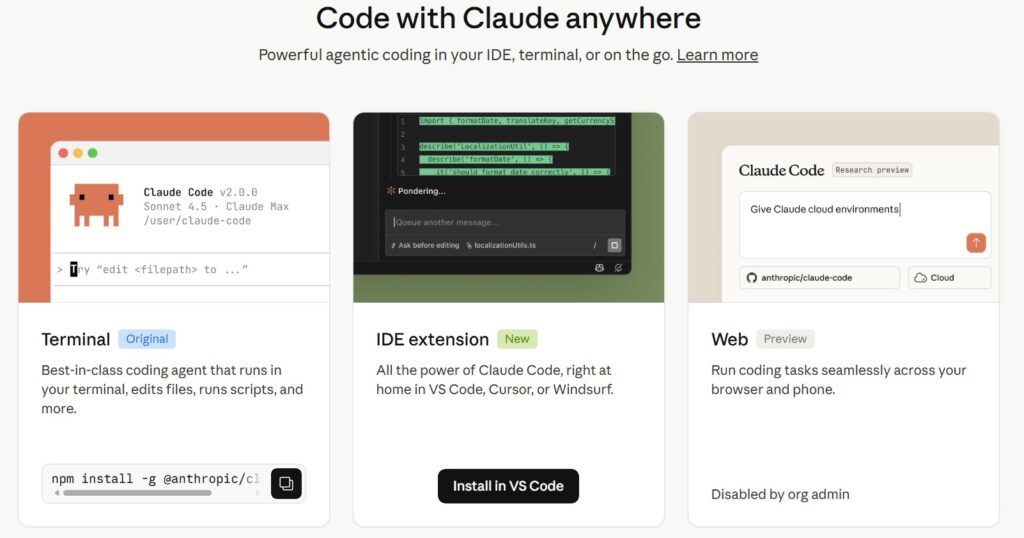
Think of it as giving your computer a genius intern who can read your entire codebase and make changes across multiple files at once.
Claude Code excels in terminal-first, multi-step tasks and handles large codebases over roughly 50,000 lines of code successfully about 75% of the time.
Claude Code offers deep code understanding for refactoring suggestions and CLI-first workflows for complex automation.
In benchmark testing, Claude Code scored 80.8% on SWE-bench Verified — one of the most respected real-world coding evaluations available. It became the most-used AI coding tool among professional engineers in 2026, particularly for tasks involving large codebases, complex refactoring, and architectural changes.
| Best For | Developers working on large, complex codebases requiring deep AI reasoning |
| Price | ~$20/month via Claude Pro; usage-based API pricing also available |
| Works In | Terminal / command-line interface (any OS) |
| AI Models | Claude 4 Sonnet, optimized specifically for coding tasks |
| Skill Level | Advanced — requires comfort with terminal and command-line workflows |
| Verdict | The highest capability ceiling for serious developers in 2026 |
TOOL #3 — Replit
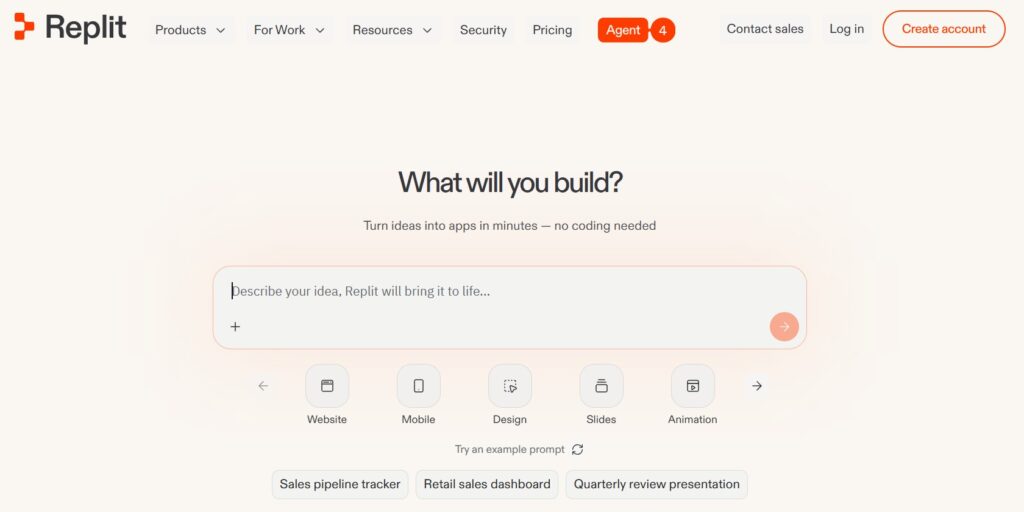
Okay, imagine if your coding environment, your hosting, your database, and your AI assistant all lived inside one browser tab. No downloads. No setup. Just open and go.
That’s Replit.
If Bolt is like a micro-apartment, Replit is the co-living building with a coworking space downstairs, coding environment, hosting, database, and AI agent all under one roof.
And Replit’s AI agent doesn’t just write code randomly; it’s designed to create a technical plan first, then implement backend logic, rather than jumping straight into code generation with no explanation.
So it actually thinks before it codes. Pretty smart, right?
For teams focused on app development for internal tools and dashboards, Replit has them covered with an all-in-one browser-based environment.
| Best For | Students, beginners, and small teams building internal tools or dashboards |
| Price | Free tier available; paid plans for heavier use and more compute |
| Works In | Browser-based — no installation required, works on any device |
| AI Models | Replit Agent 3 with integrated multi-step planning |
| Skill Level | Beginner to intermediate — very low setup friction |
| Verdict | The best all-in-one solution for zero-setup app development |
TOOL #4 — Lovable
Now this one — this one is special for entrepreneurs and non-coders.
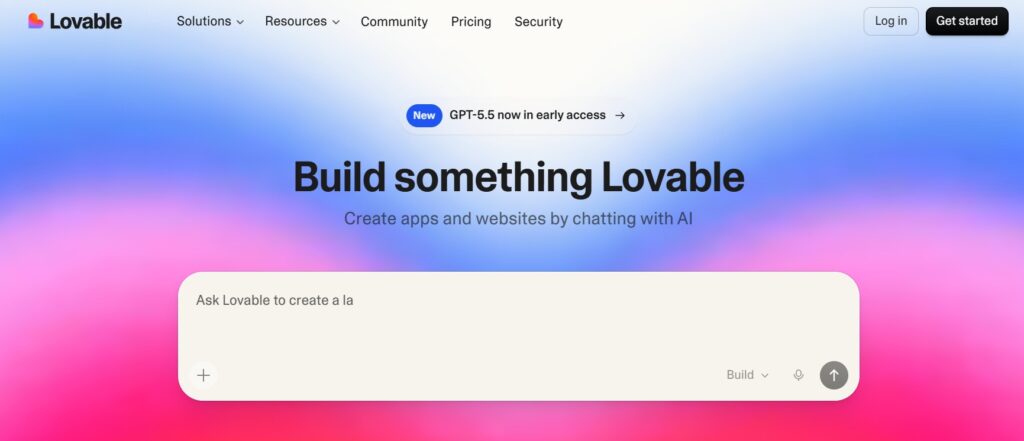
Lovable is what happens when you combine a world-class UI designer, a full-stack developer and a deployment team — and replace all of them with a single AI tool.
You type: “Build me a subscription app with user logins and a dashboard.”
And Lovable? It actually builds it. Complete with a beautiful interface.
Lovable is a design-first full-stack builder that targets non-developers and designers. You describe your app, Lovable sketches a polished UI, then wires it up to a real backend — usually through tight integration with Supabase for authentication, data, and storage.
Lovable scores around 4.4 out of 5 for visual polish, making it one of the best-looking outputs among all AI builders.
| Best For | Non-technical entrepreneurs and founders launching their first product |
| Price | Free tier; Pro at $25/month; Business at $100/month |
| Works In | Browser-based — no installation required |
| Integrations | Supabase for auth, database, and storage |
| Skill Level | No-code — no technical background required |
| Verdict | The dream tool for entrepreneurs with an idea but no coding skills |
TOOL #5 — Cursor
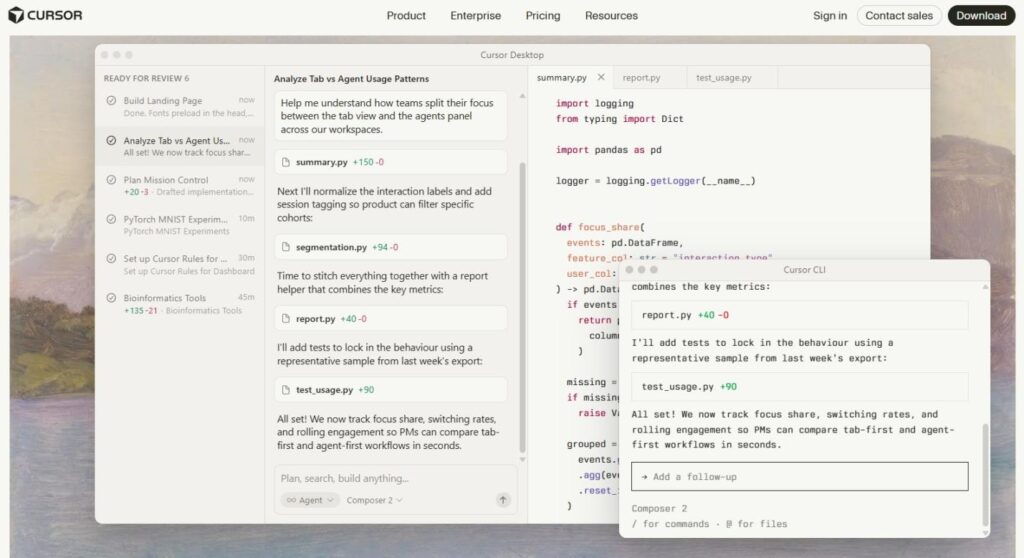
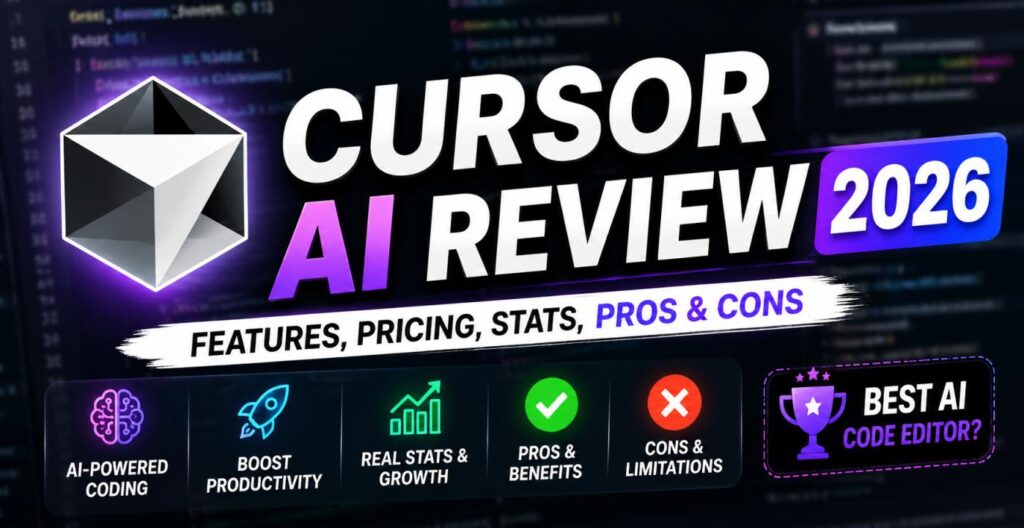
If GitHub Copilot is a helpful assistant, Cursor is the senior engineer who takes over the whole project.
Cursor looks and feels like VS Code — the most popular code editor in the world, but it has AI wired deep into every part of it. We’re talking multi-file edits, whole codebase awareness, and an agent mode that can build entire features on its own.
Cursor acquired a powerful autocomplete engine that achieves a 72% acceptance rate, meaning developers accept 7 out of every 10 suggestions it makes.
Cursor’s Composer and Agent modes index whole repositories and are built for consistent, multi-file changes.
And here’s how top developers use it: Many professional developers use Cursor for 80% of their day-to-day development work, handling routine code and multi-file changes.
| Best For | Developers who want the most complete, powerful AI coding environment |
| Price | Free plan available; Pro at $20/month; Business plans available |
| Works In | Standalone desktop IDE (VS Code-compatible) — all platforms |
| AI Models | GPT-4o, Claude 4 Sonnet, Gemini 2.5 Pro, GPT-5 (beta) |
| Skill Level | Intermediate to advanced — for developers who write code regularly |
| Verdict | The best overall AI IDE for professional and serious developers in 2026 |
TOOL #6 — Bolt
Want to build a prototype fast? Like, embarrassingly fast?
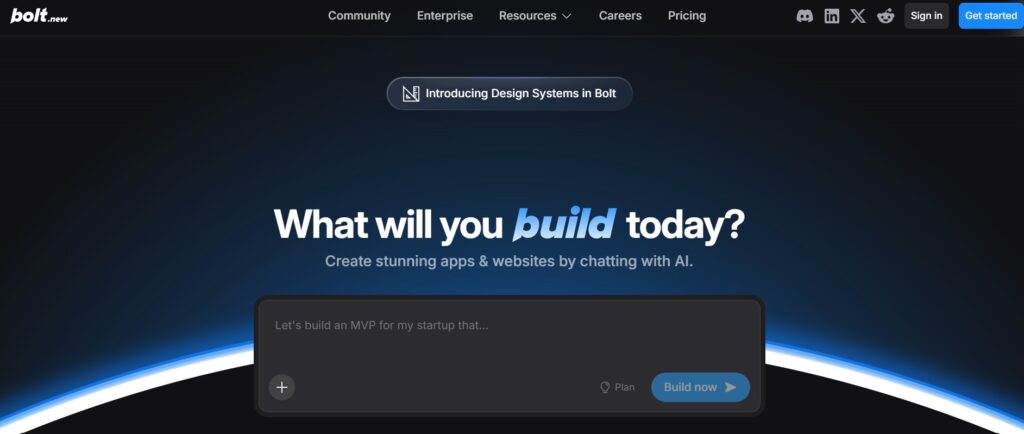
Meet Bolt.
Bolt is the fastest path from prompt to demo, great for building browser-based prototypes you can export and keep.
Think of it like Lovable’s cooler, more flexible cousin. You type your idea, and Bolt spins up a working prototype you can actually play with – right in the browser. No account signups. No complex setup.
For non-technical founders or product managers, if you want flexibility and a free tier for rapid prototyping, Bolt is a great option.
The magic of Bolt is speed and simplicity. It’s not trying to be everything. It’s trying to get you from zero to “wow, this actually works” as fast as humanly possible.
| Best For | Entrepreneurs and students who need fast prototypes or demos |
| Price | Free tier available; Pro at $20/month |
| Works In | Browser-based — instant access, no installation |
| Skill Level | Beginner-friendly — no coding background required |
| Standout Features | Exportable code — take your prototype and keep building elsewhere |
| verdict | The fastest path from idea to working demo in 2026 |
TOOL #7 — Emergent
Last but absolutely not least — the newest and perhaps most exciting player on this list.
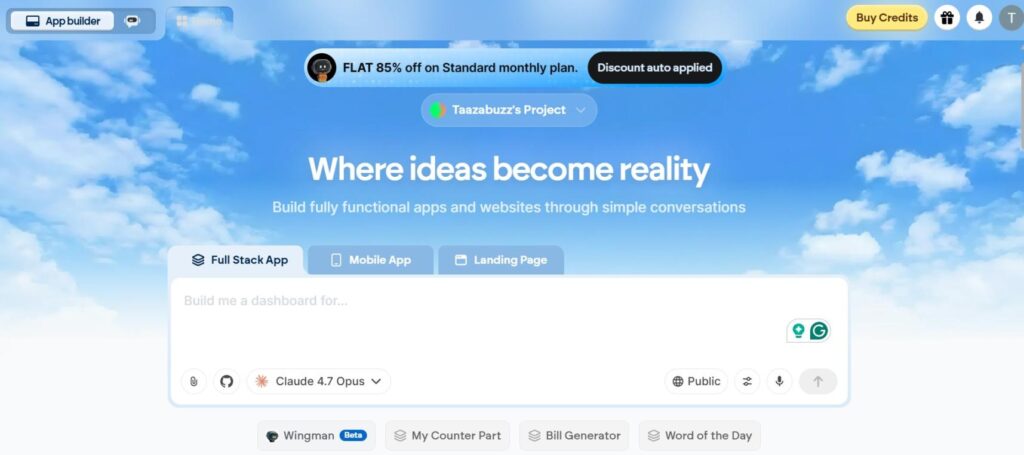
Emergent.
This tool doesn’t just build parts of an app. It builds entire apps — frontend, backend, database, authentication, and deployment — from a single description. And it uses multiple AI agents working together at the same time, like a whole AI development team.
Emergent is a full-stack AI-powered application builder that converts plain English descriptions into working, deployed software. You do not write code. You do not drag and drop elements. You simply describe what you want to build — and Emergent’s AI agents handle everything from there.
The results are real — Emergent reached $100 million in annual recurring revenue in just eight months, which is evidence of a platform delivering genuine value at scale.
But here’s the honest part — Emergent uses a credit-based pricing structure, meaning experimentation is not truly open-ended. If you iterate carelessly, costs can climb faster than expected.
| Best For | Non-technical entrepreneurs who want to ship a full-stack product without any code |
| Price | Free plan available; Standard at $20/month for 100 credits |
| Works In | Browser-based — no installation, no configuration required |
| Skill Level | No-code — zero technical background required |
| Standout Feature | Multi-agent system — multiple AI agents collaborate on your build simultaneously |
| Verdict | The most ambitious no-code builder — incredible power, watch your credits |
Which AI Coding Tool Is Right for You?
Okay. So which one should you pick? Here’s the simple breakdown:
| Who You Are | Best Tool |
| 🎓 Total beginner / student learning to code | GitHub Copilot – lowest friction, works in your existing editor |
| 💻 Developer who wants a serious upgrade | Cursor – the best AI IDE available in 2026 |
| 🚀 Entrepreneur with an app idea, no coding skills | Lovable or Emergent – both build full apps without code |
| ⚡ Need a fast prototype or demo | Bolt – fastest time-to-prototype on the market |
| 🌐 Want everything in one browser tab | Replit – all-in-one IDE, hosting, and AI combined |
| 🔧 Power developer working on complex projects | Claude Code = deepest reasoning and highest benchmark scores |
>>> Hostinger AI Website Builder: Features, Price, Revenue in 2026
The AI coding tools available in 2026 have genuinely changed what is possible for individuals — regardless of their technical background. A student can now build a working app. A founder can launch a product without hiring a developer. A professional engineer can complete in hours what used to take days.
The key insight from all our testing is this: these tools are not interchangeable. Each one was built with a specific type of user in mind, and using the right tool for your situation makes an enormous difference.
Start with the tool that matches where you are today — not where you hope to be next year.
So the lesson is — these tools amplify you. They don’t replace you.
Ta! Da!

About Naseeb Akhter
The founder of BotBunch, where he researches, tests, and reviews the latest AI tools, automation software, and SaaS platforms. Along with the BotBunch editorial team, he helps creators, students, professionals, and businesses discover the best AI solutions through hands-on testing, honest reviews, detailed comparisons, and easy-to-follow guides.
Join us via email and social channels to get the latest updates straight to your inbox.